Extension Overview
PicHound is a local-first browser extension that helps you collect every visible image on a webpage in seconds. After installation, it takes just two steps to start bulk downloading: open a target page → click the PicHound icon → select and download.
All image detection, filtering, editing, and saving happens locally in your browser. Your images are never uploaded to any server.
🖖 Basic Operations
1. Visit a website
Open any webpage that contains images — a product detail page, a mood board, or a social post.

2. Right-click and choose “Download images on this page”
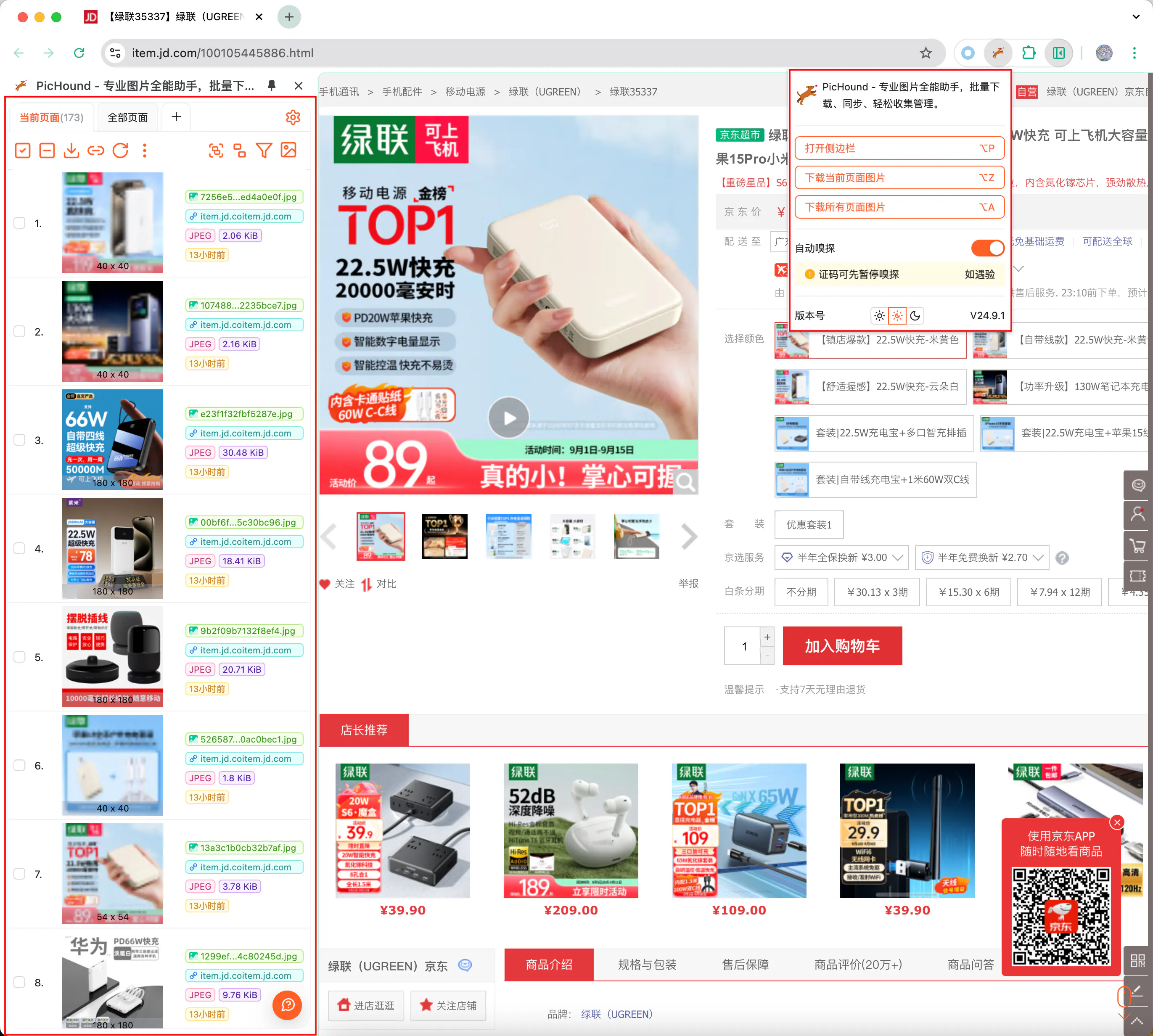
Or click the PicHound icon in the toolbar to open the sidebar and view all detected images.
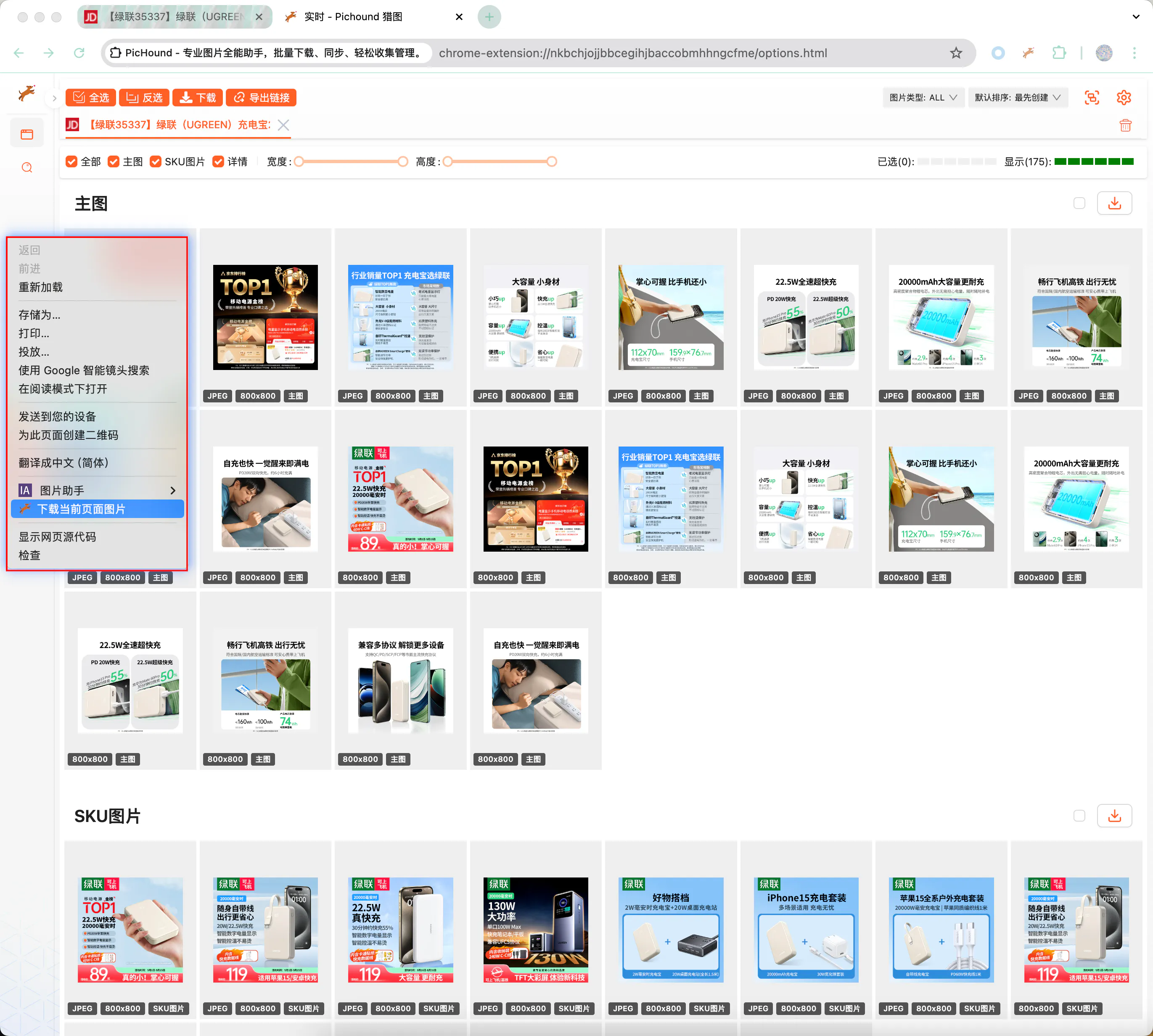
3. Open the sidebar, select, and download
Browse, filter, and select images in the sidebar, then download them as a ZIP or as individual files.
⚙️ Common Features
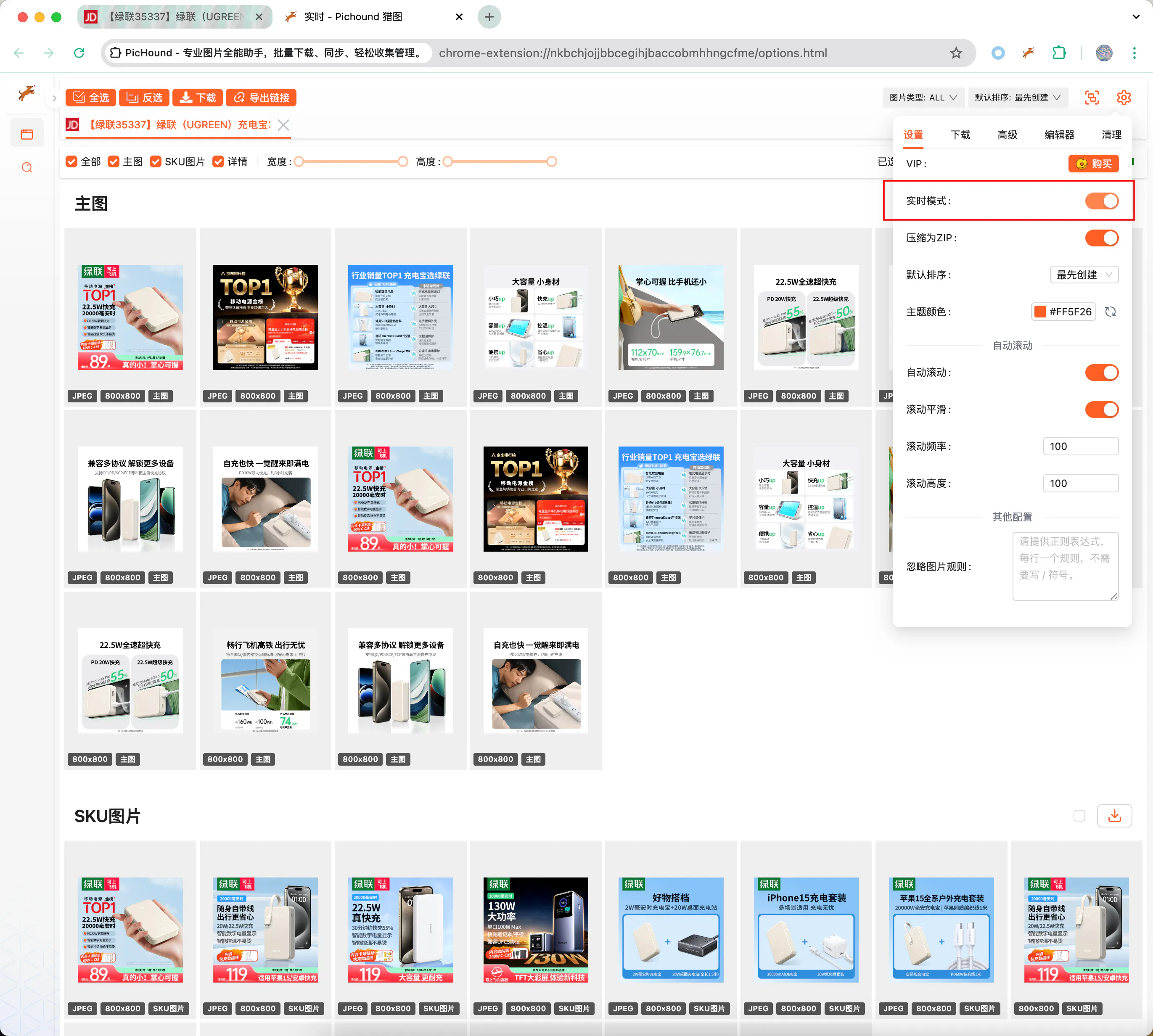
1️⃣ Real-time Mode
By default, the extension automatically sniffs web page image resources and pushes them to the download list. Turn off this switch to temporarily stop the push function.
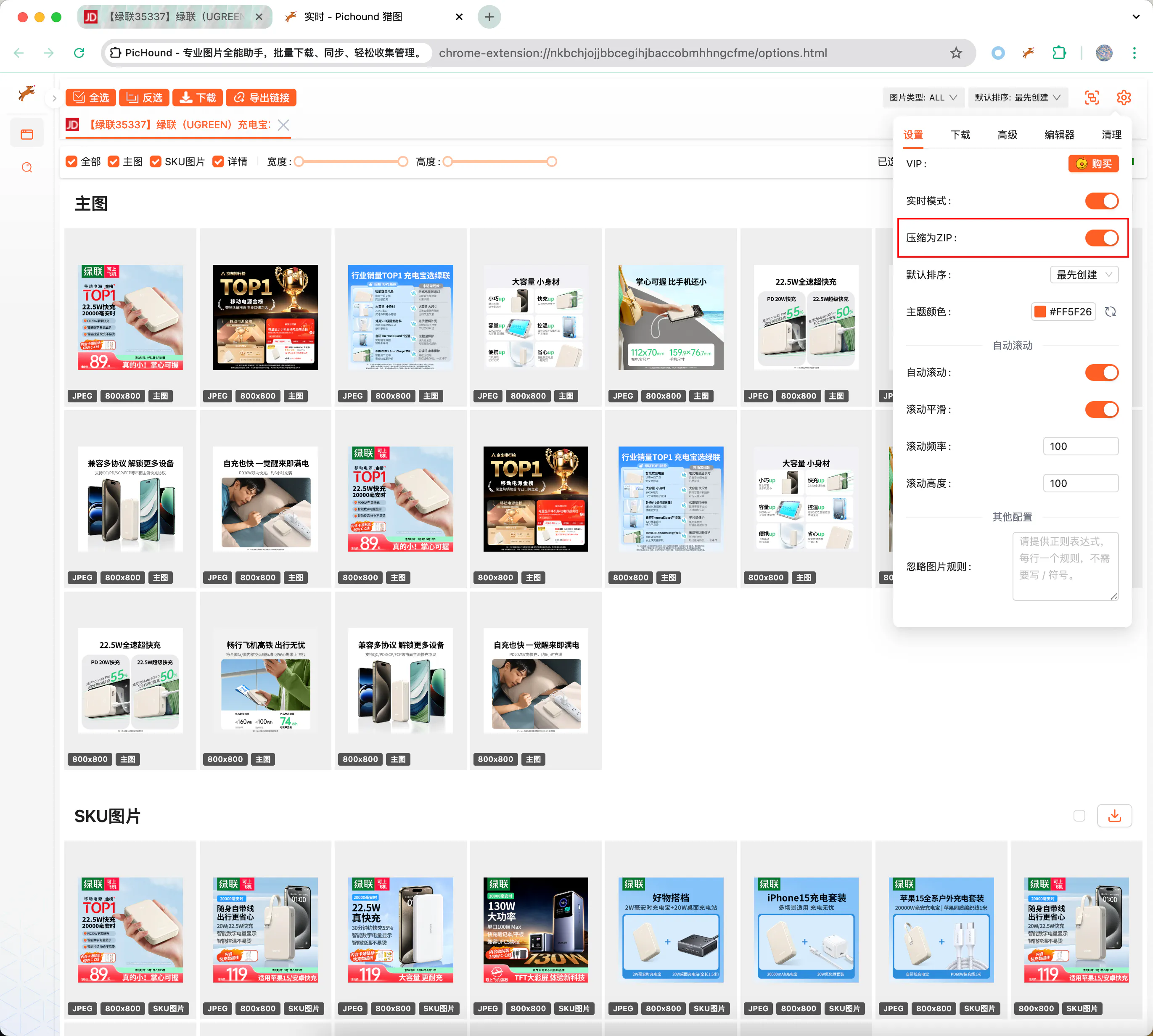
2️⃣ Compress to ZIP
By default, the extension compresses selected images into a ZIP file for download. Turn off this switch to save images one by one. ZIP mode is especially useful for batch archiving and asset organization.
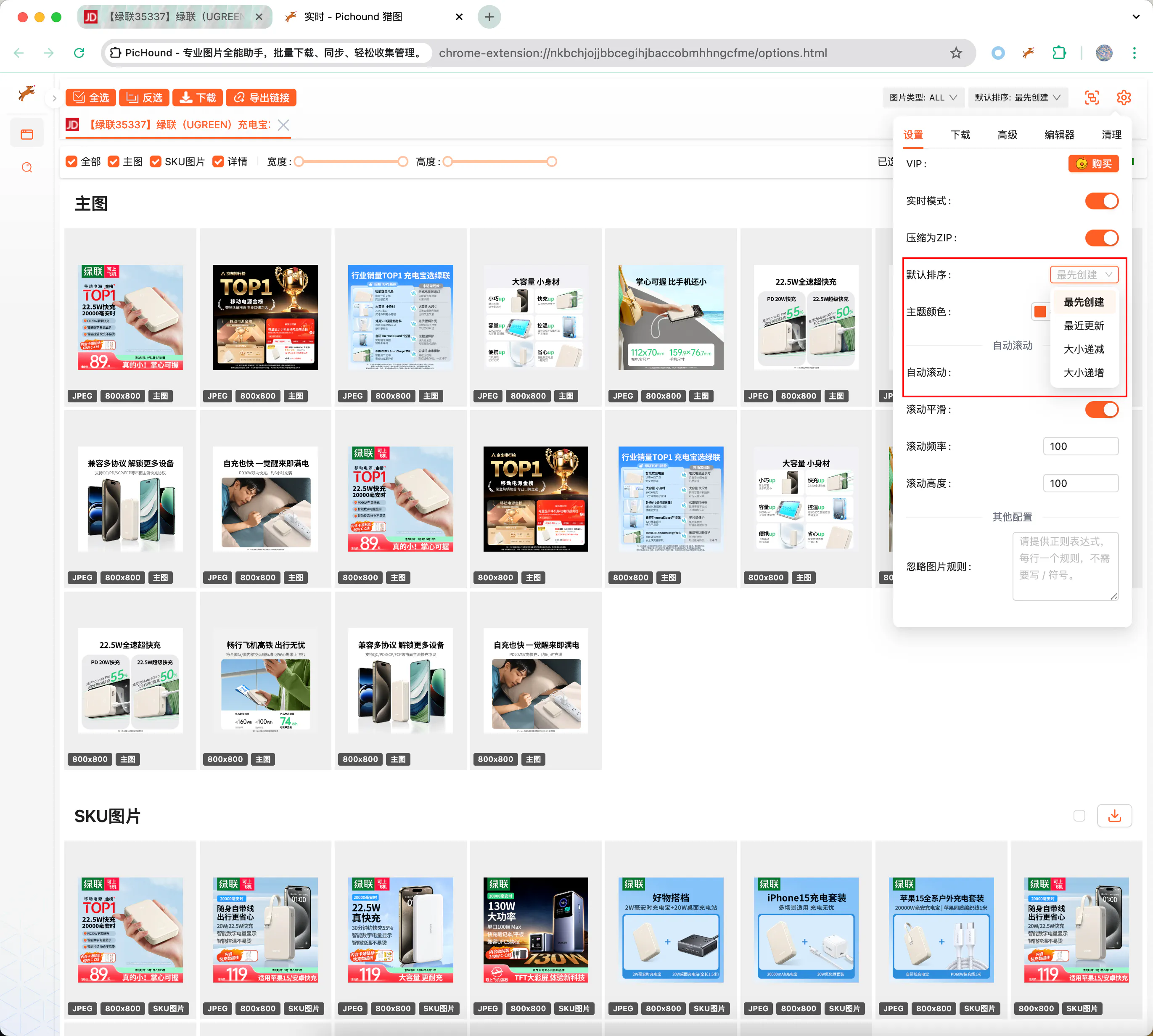
3️⃣ Smart Sorting
Sort images by time, size, filename, group, and more to quickly locate the images you need.
4️⃣ Auto Page Scrolling
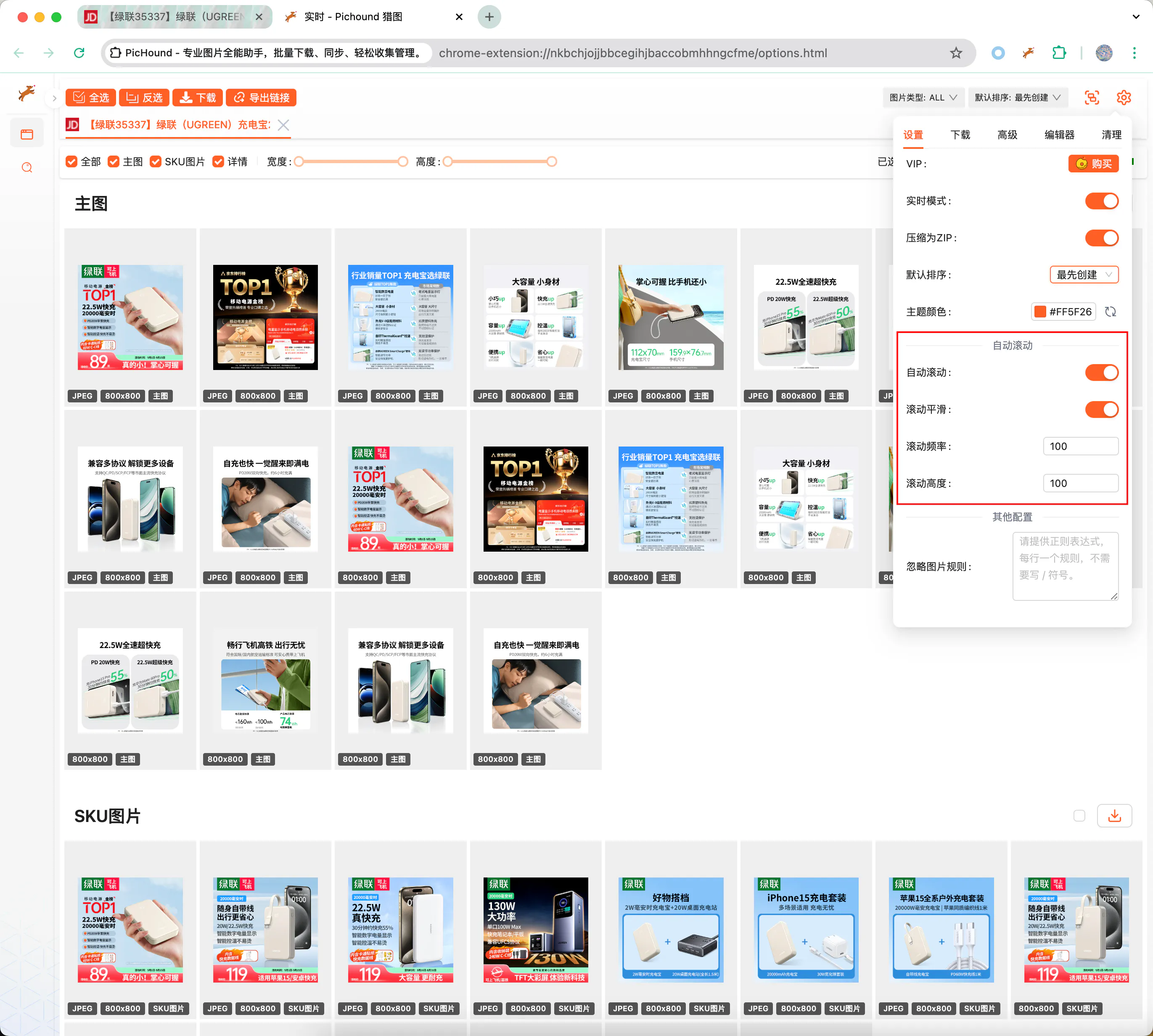
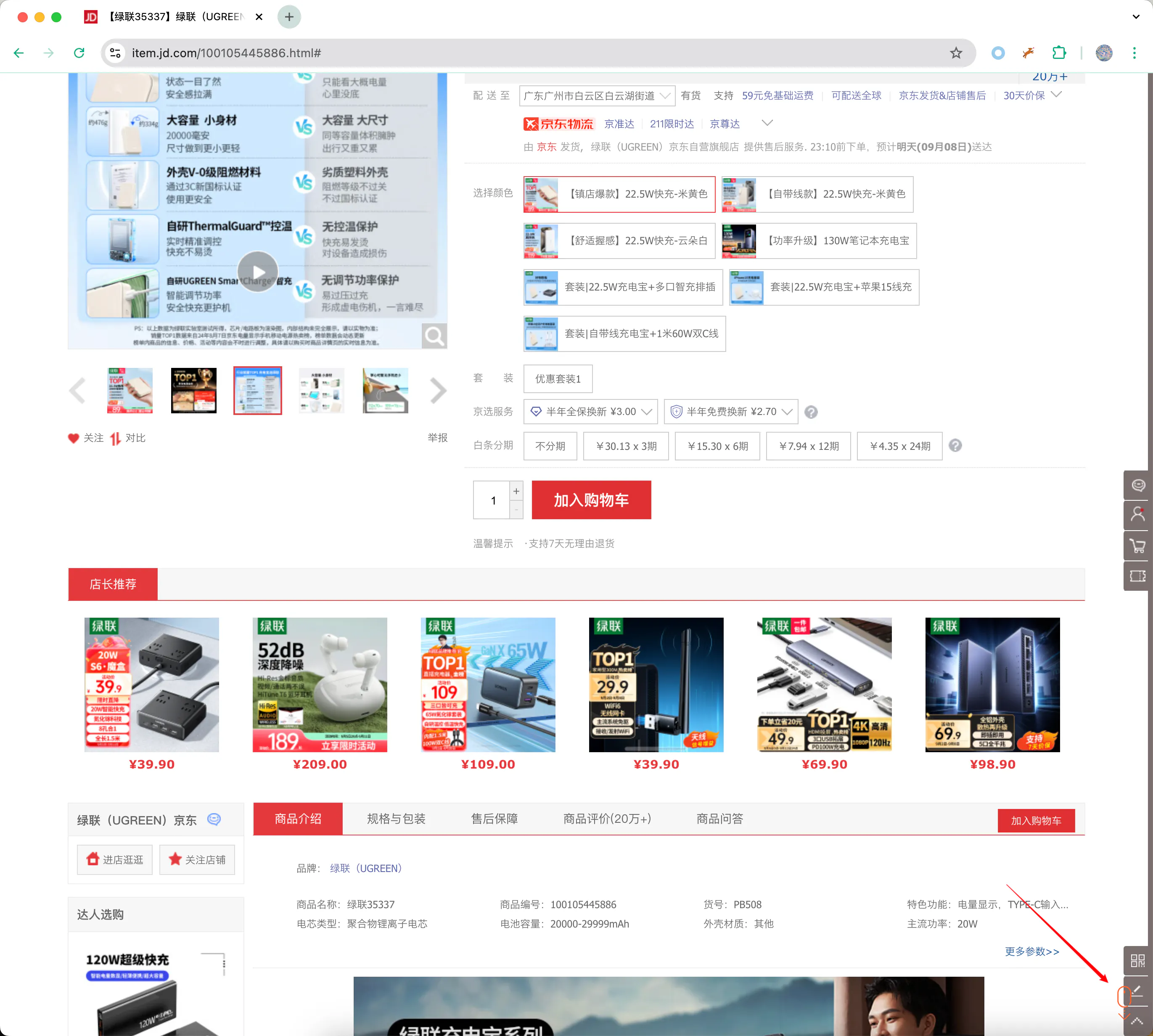
Some sites use lazy loading, where images only load when scrolled into view. Enable “Auto Scroll” to trigger loading automatically and ensure nothing is missed.
5️⃣ Custom Download Filename
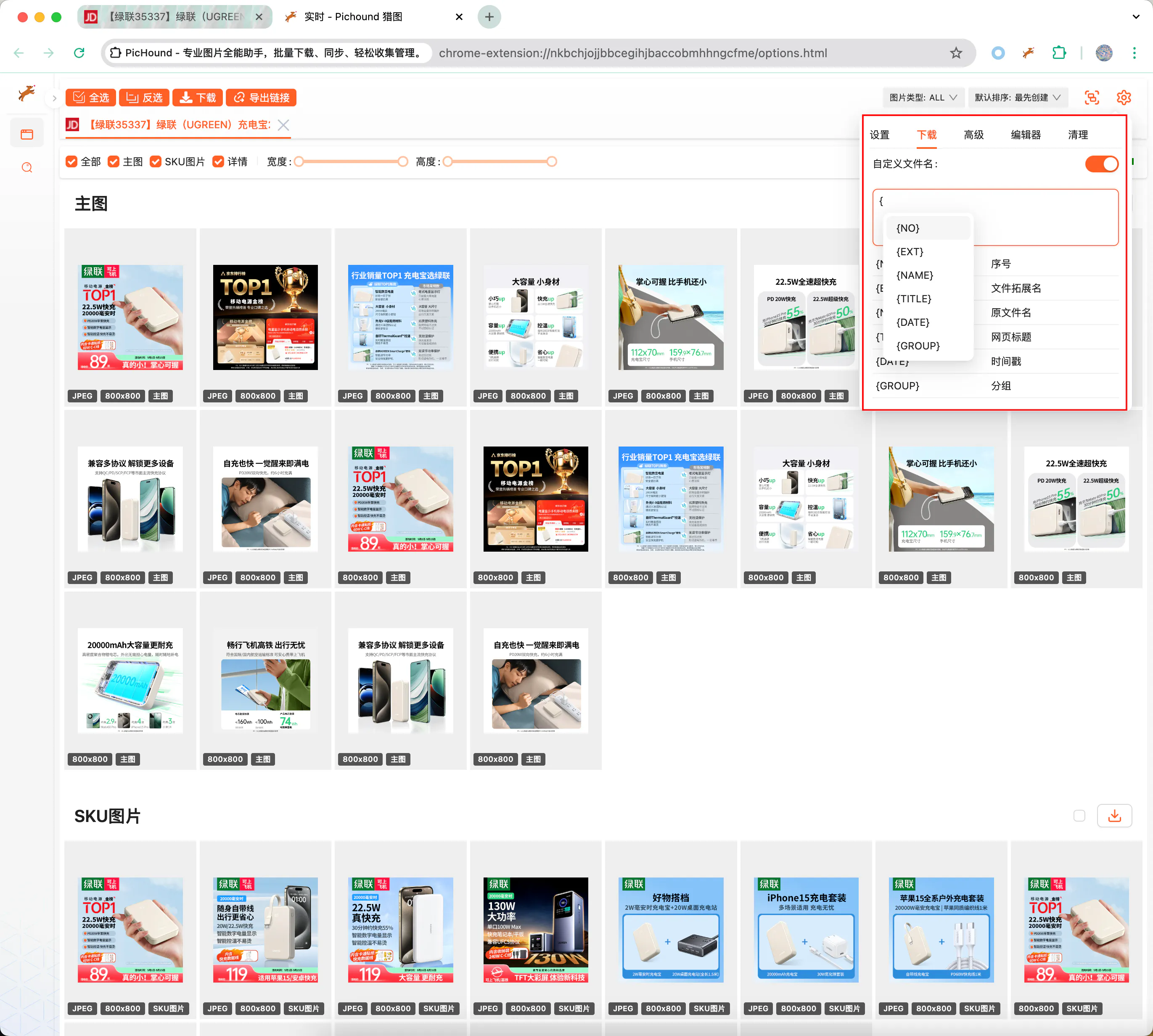
Use variables to customize filenames:
{NUM}— Sequence number{NAME}— Original filename{EXT}— File extension{TITLE}— Webpage title{TIMESTAMP}— Timestamp{GROUP}— Group name
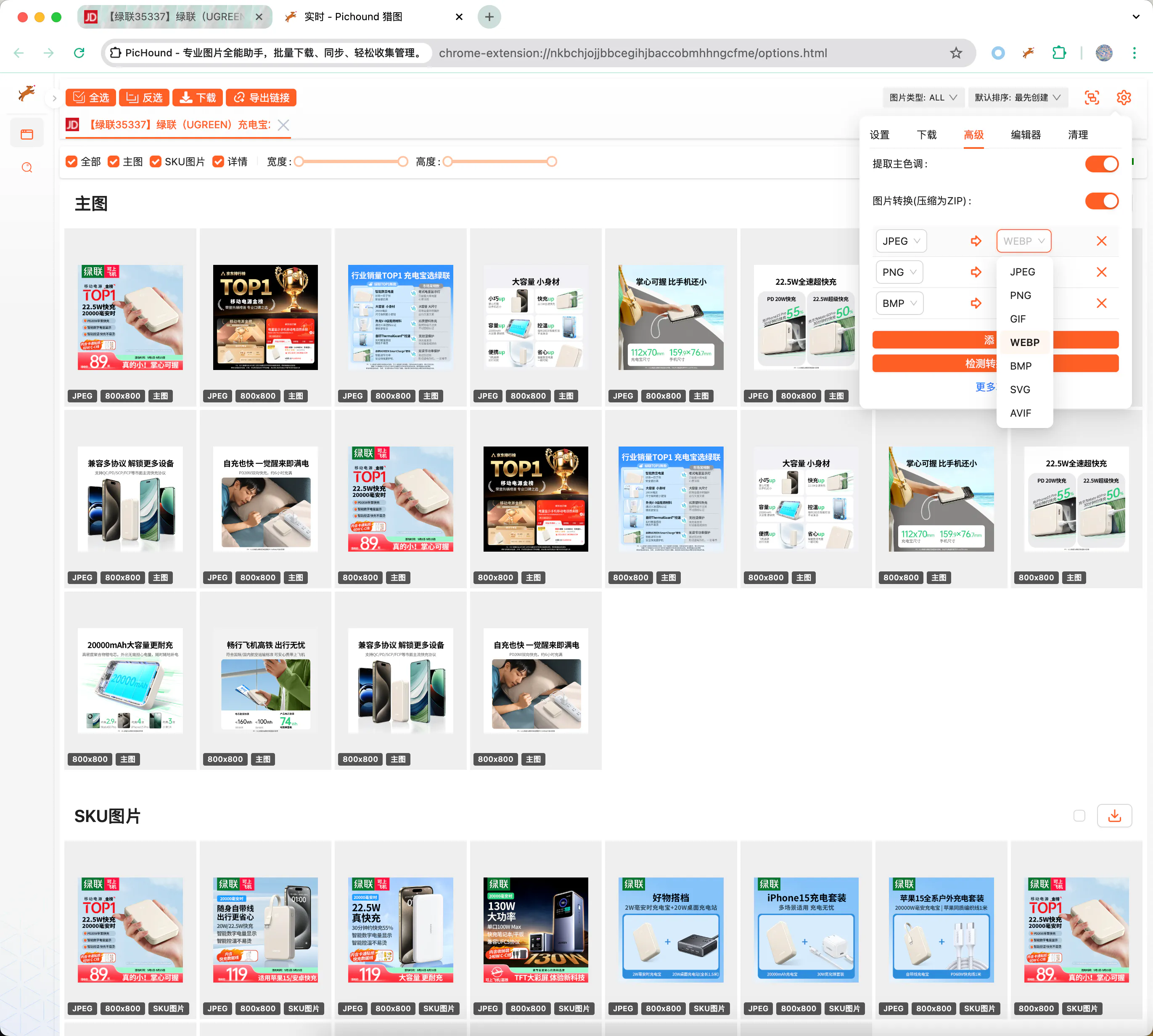
6️⃣ Format Conversion & Dominant Color Extraction
- Format conversion: Convert between JPEG, PNG, GIF, WEBP, BMP, SVG, AVIF, and more
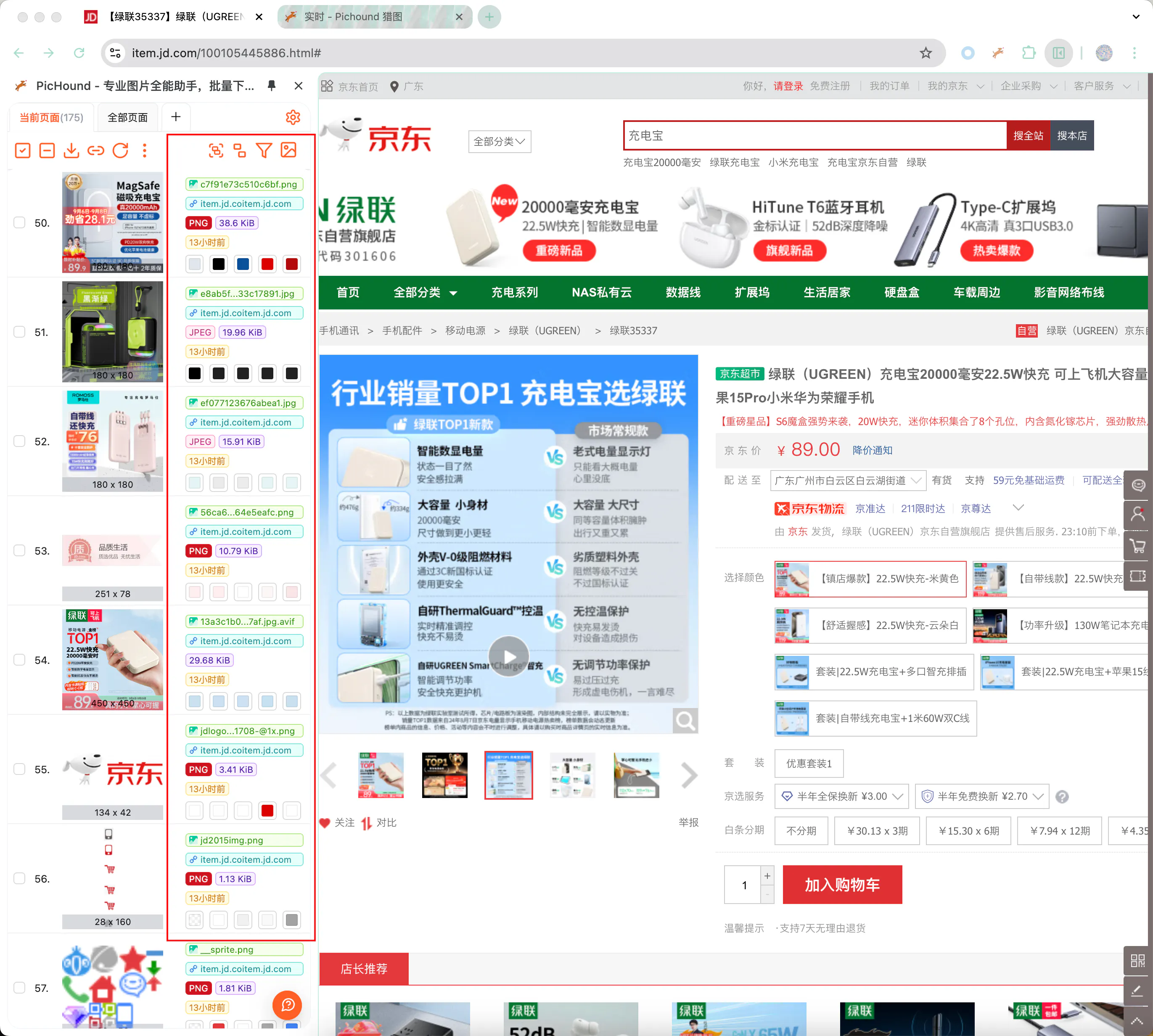
- Dominant color extraction: Analyze primary colors for quick palette reference (visible in sidebar)
7️⃣ Built-in Extension Modules
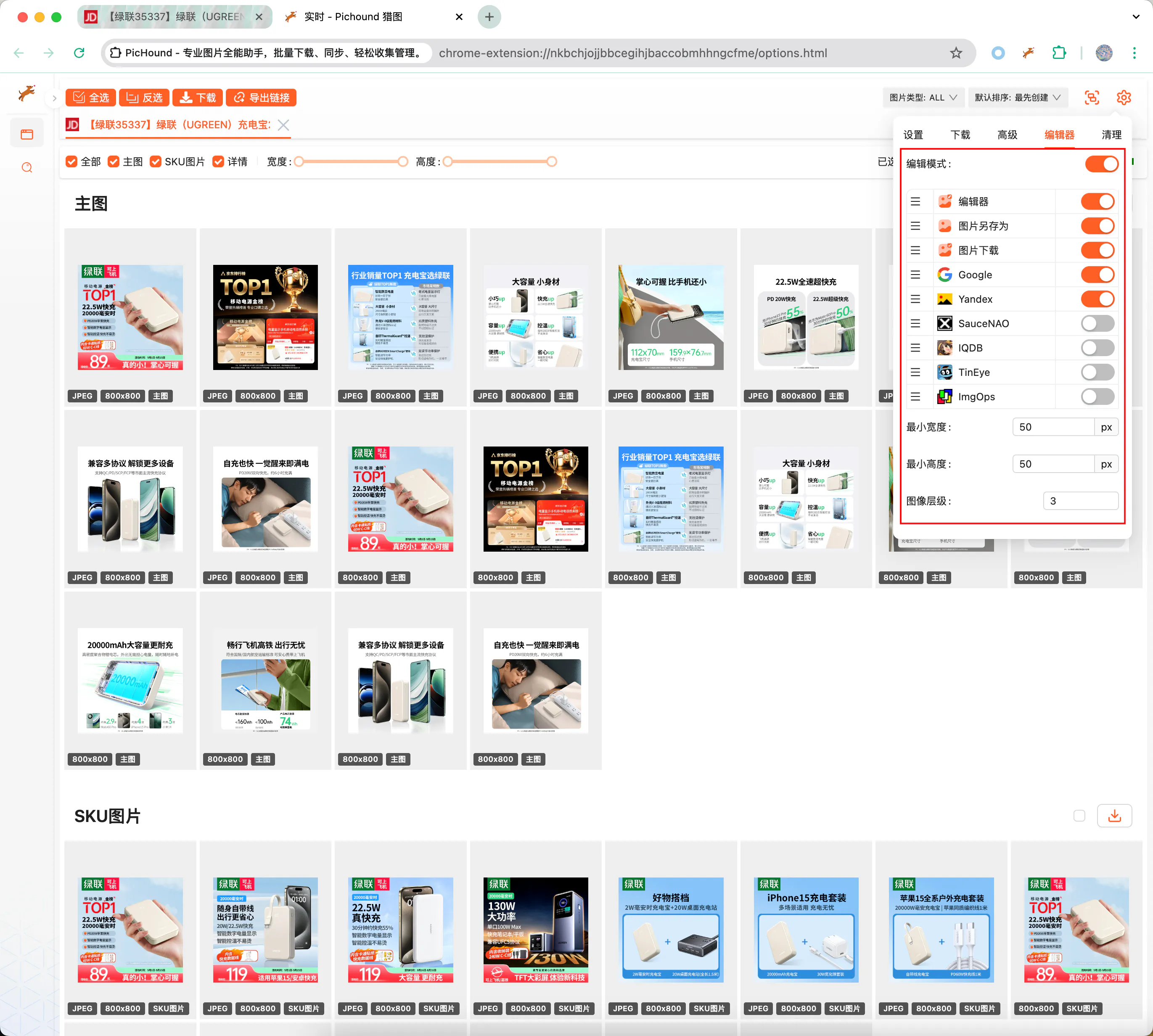
- Reverse image search: Google / Yandex / TinEye / SauceNAO / ImgOps / IQDB
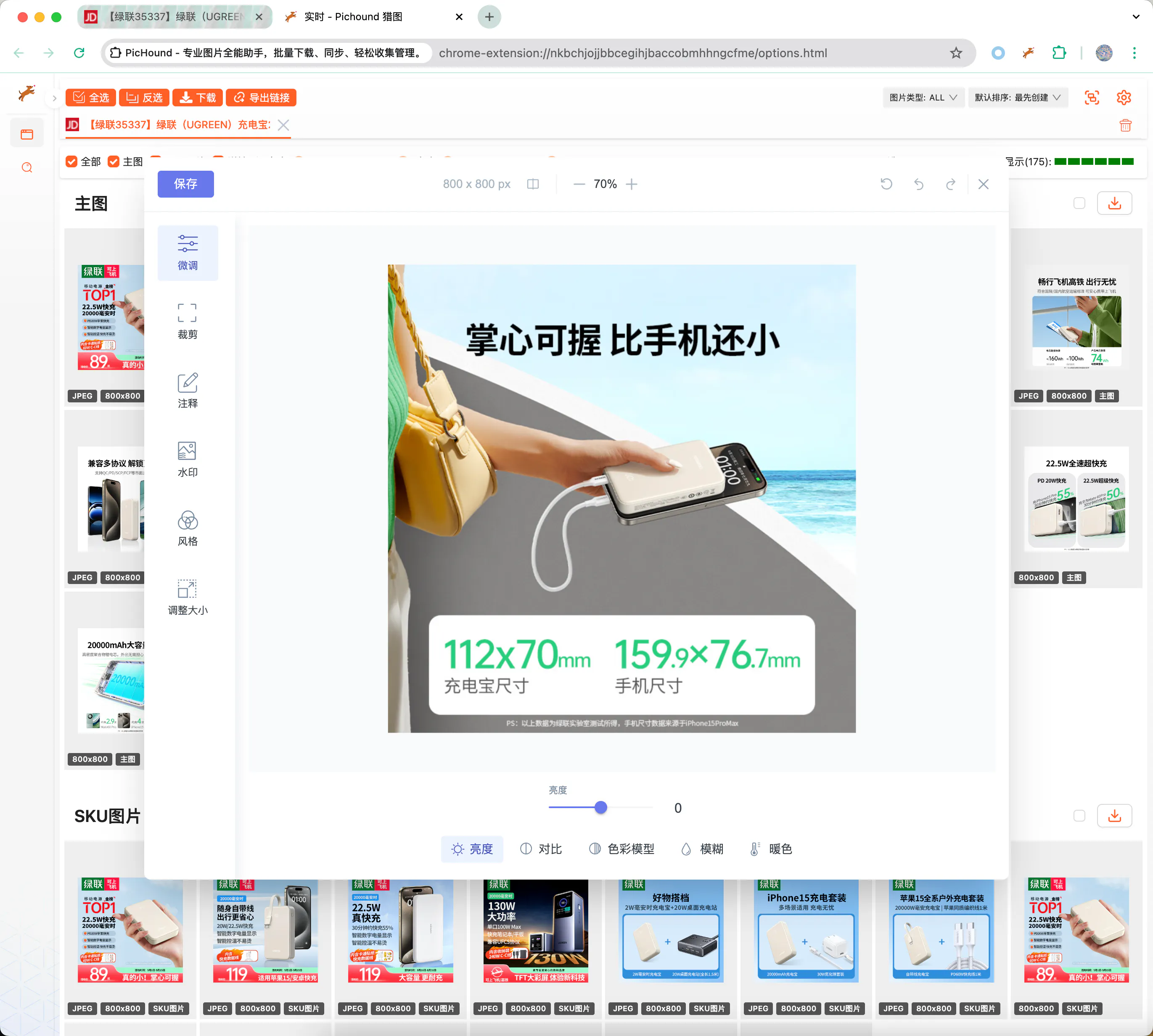
- Image editor: Crop, adjust, filter, annotate
- AI background removal: Local RMBG-1.4 model, no upload needed
Hover over any image to choose the corresponding action.
8️⃣ Reset & Initialize
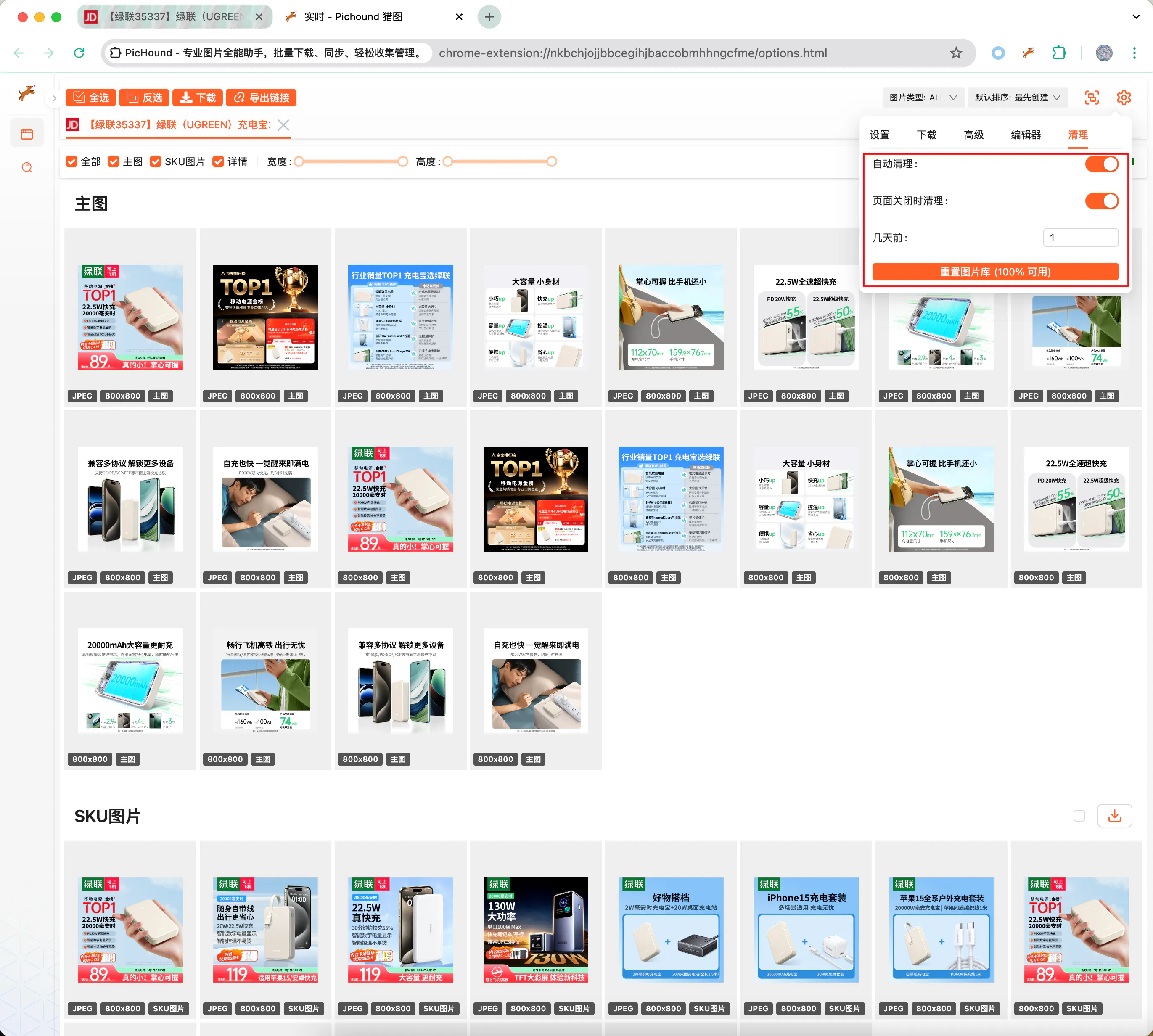
If you encounter unexpected issues, you can reset extension data to restore functionality without clearing your preference settings.
😎 Feature Suggestions
If existing features cannot meet your needs, contact us at contact@pichound.app. We iterate continuously and prioritize high-frequency requests in our roadmap.