Skip to Content
PicHound - Image Collection Assistant

Save visible page images locally with smart filtering
All processing done locally / Privacy safe / No data collection

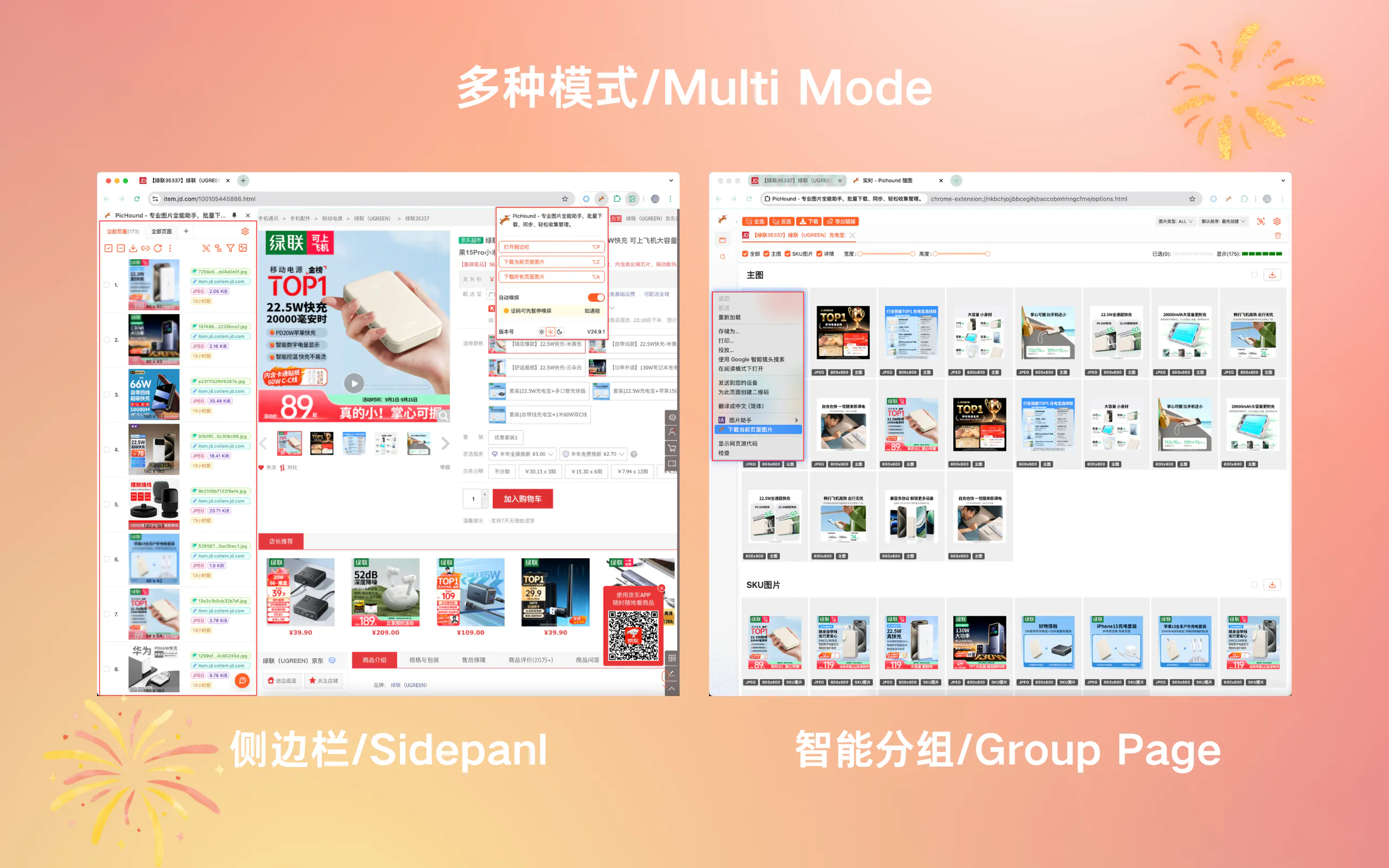
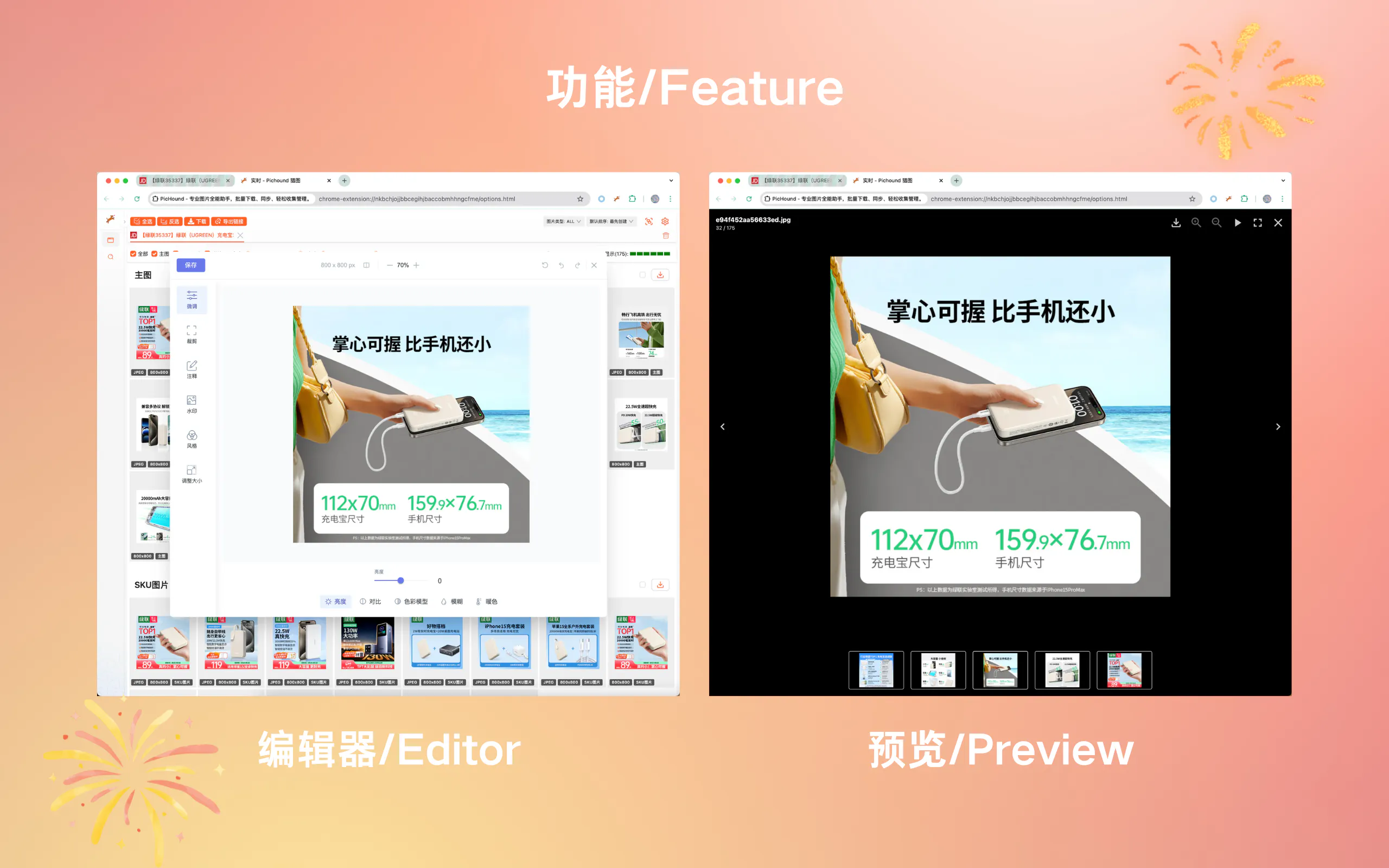
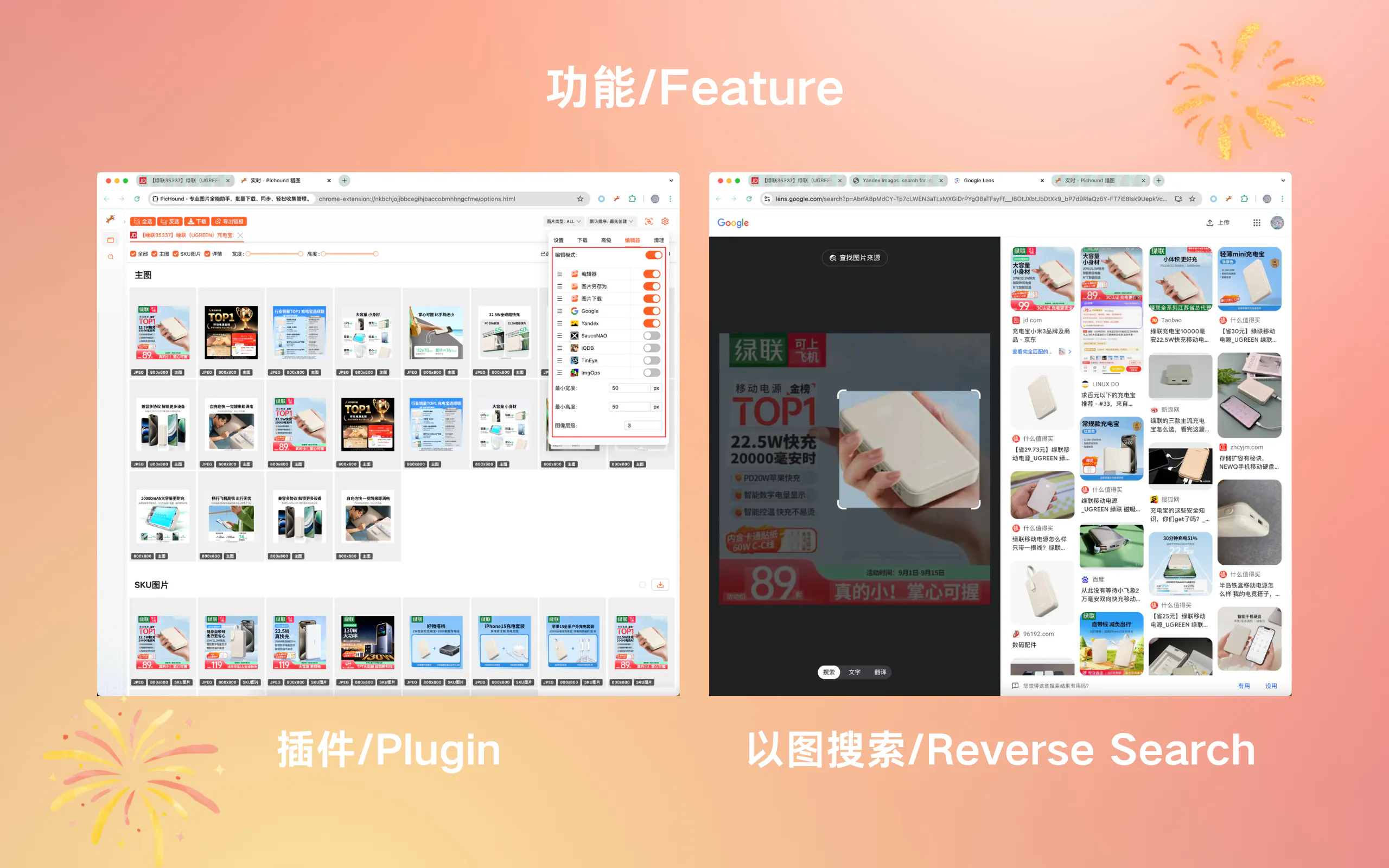
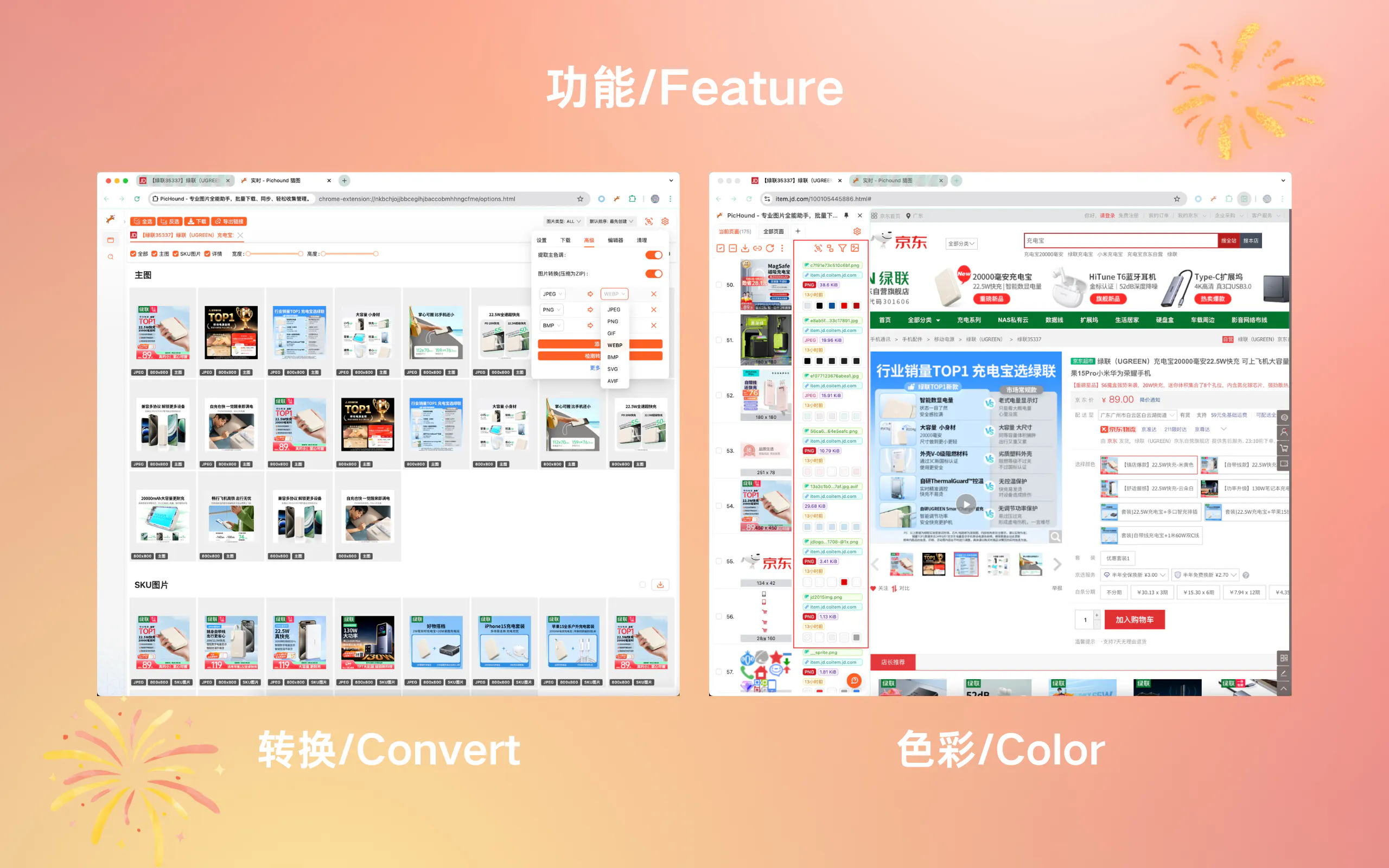
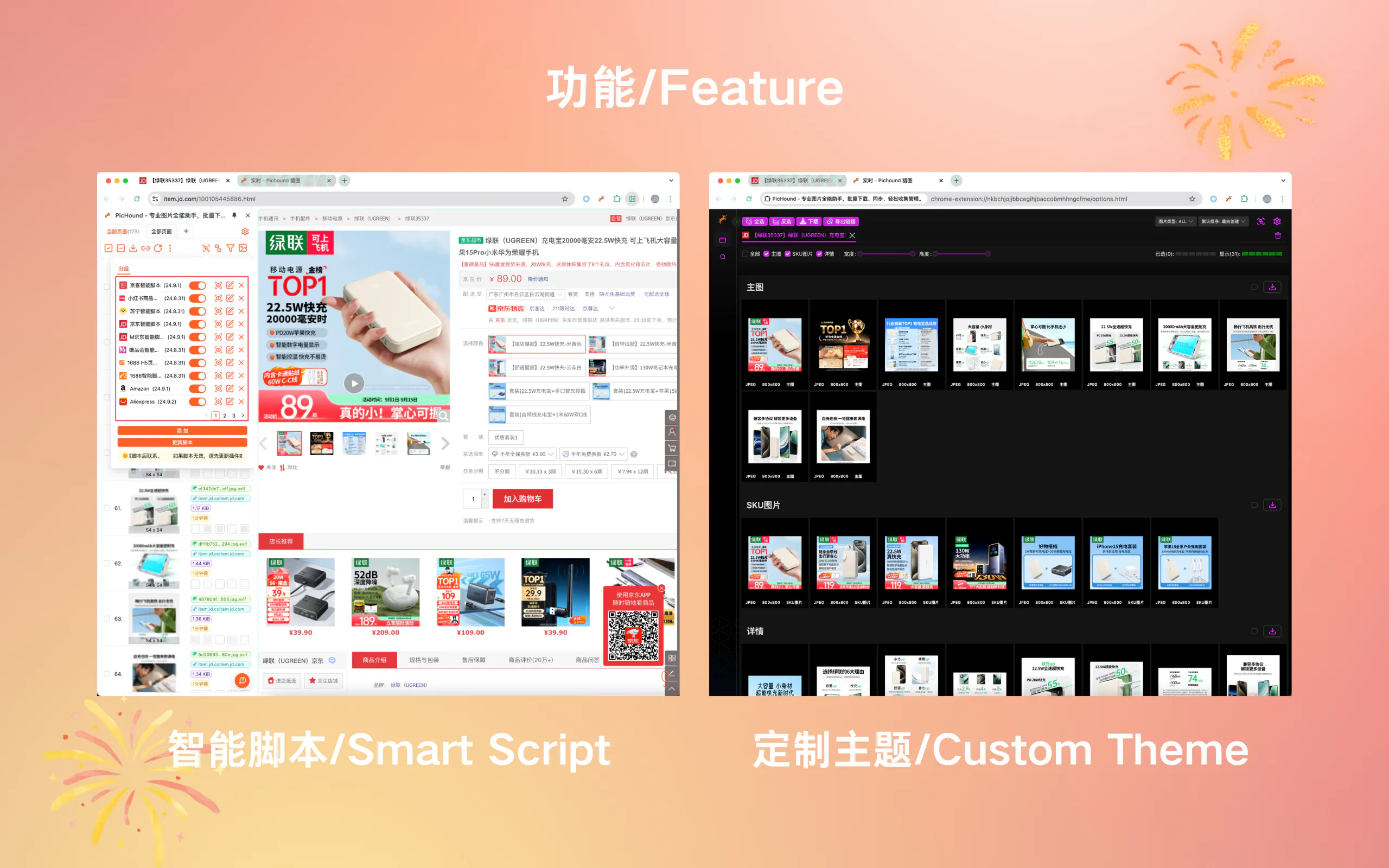
screenshot
screenshot
screenshot
screenshot
screenshot

Download

Download the browser extension to start using the app.

All downloads are secure and verified

Features

Discover the ideal scenario for you

Save Visible Images
Smart Filter
Local Image Editing
Reverse Image Search
Sidebar Layout
Advanced Features

Pricing

Compare plans & features.

Discover the ideal plan

Free

For starters and hobbyists that want to try out.

Free

  • 5 saves per day

  • Smart Scripts (Auto Grouping)

  • Custom Smart Scripts

  • Custom Filename

  • Local Format Conversion

  • Local Image Editing

  • Extract Colors

  • Page Scroll Helper

  • Dark Mode

  • Custom Theme

Lifetime

One-time payment for lifetime access

  • Unlimited Saves

  • Email Support

Customize

Customize the features you need.

  • Unlimited Saves

  • Email Support

  • Custom Features

Update

Update History

Latest version

FAQs

PicHound is a technical tool only. You are responsible for ensuring you have the right to save and use any images. Please respect copyrights and comply with relevant laws. We recommend only saving images you have authorization to use.

No. All processing happens locally in your browser. We don't collect images, browsing history, or page content. The only data transmitted is license verification (device ID and license key). Your privacy is fully protected.

No. PicHound only saves images that are already visible and loaded on the page. It does NOT bypass login walls, paywalls, watermarks, or any technical protection measures. We do not provide and will never provide such features.

Yes, one license supports up to 3 device activations. If you bind with Google account, there's no device limit.

Smart scripts help organize visible images on web pages by auto-grouping. They only work with images already loaded on the page. You can also create custom scripts for your workflow.

You can contact us via email at contact@pichound.app.

We do not provide refunds. However, we can help you with any issues you may have.

You can unbind a device by entering the cdKey in the unbind page.
Last updated