Extension Overview
🖖Basic Operations
After completing the installation of the “PicHound Chrome Extension”, we can download web images in just two steps.
Visit Website

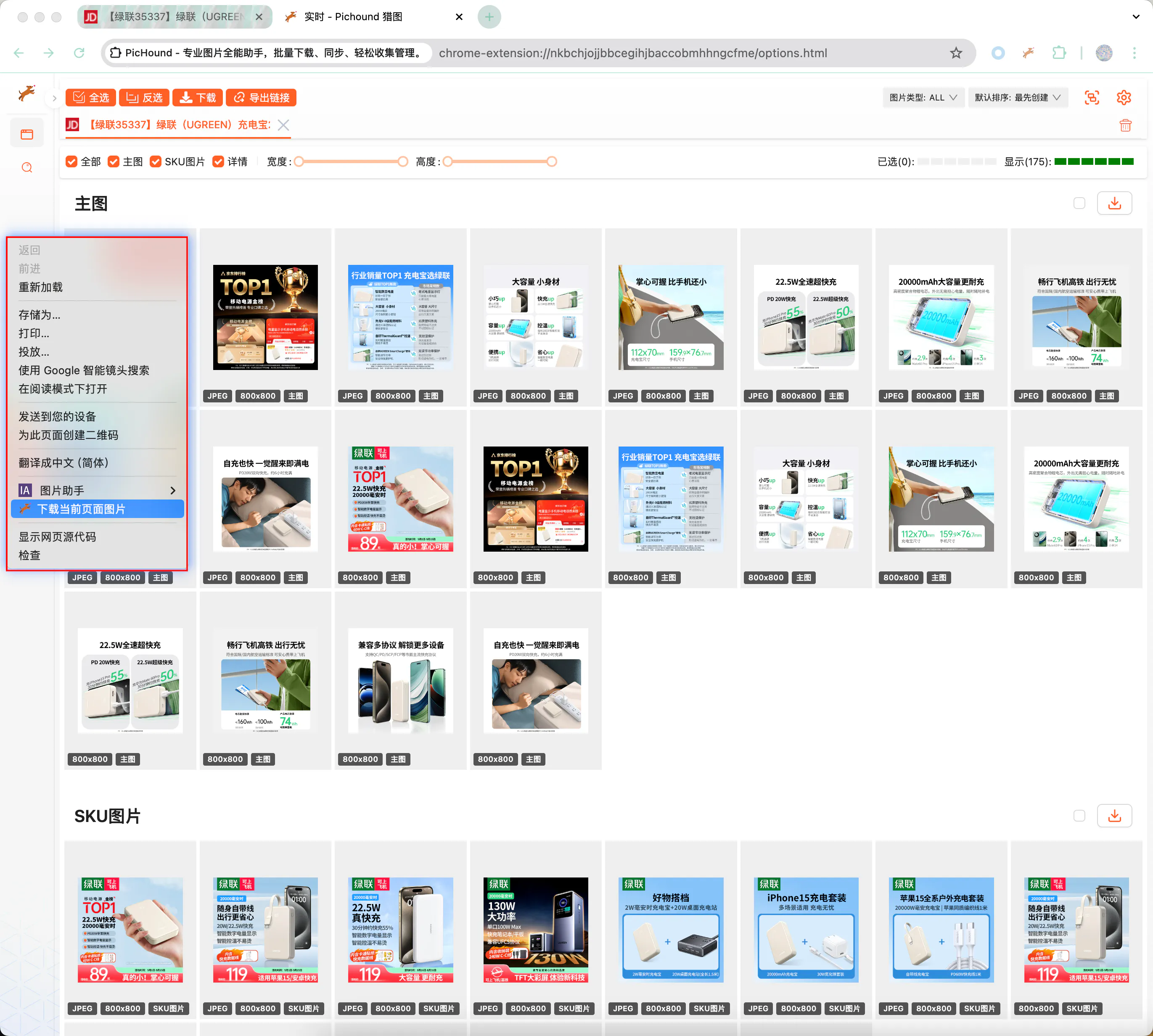
Right-click to Download This Page
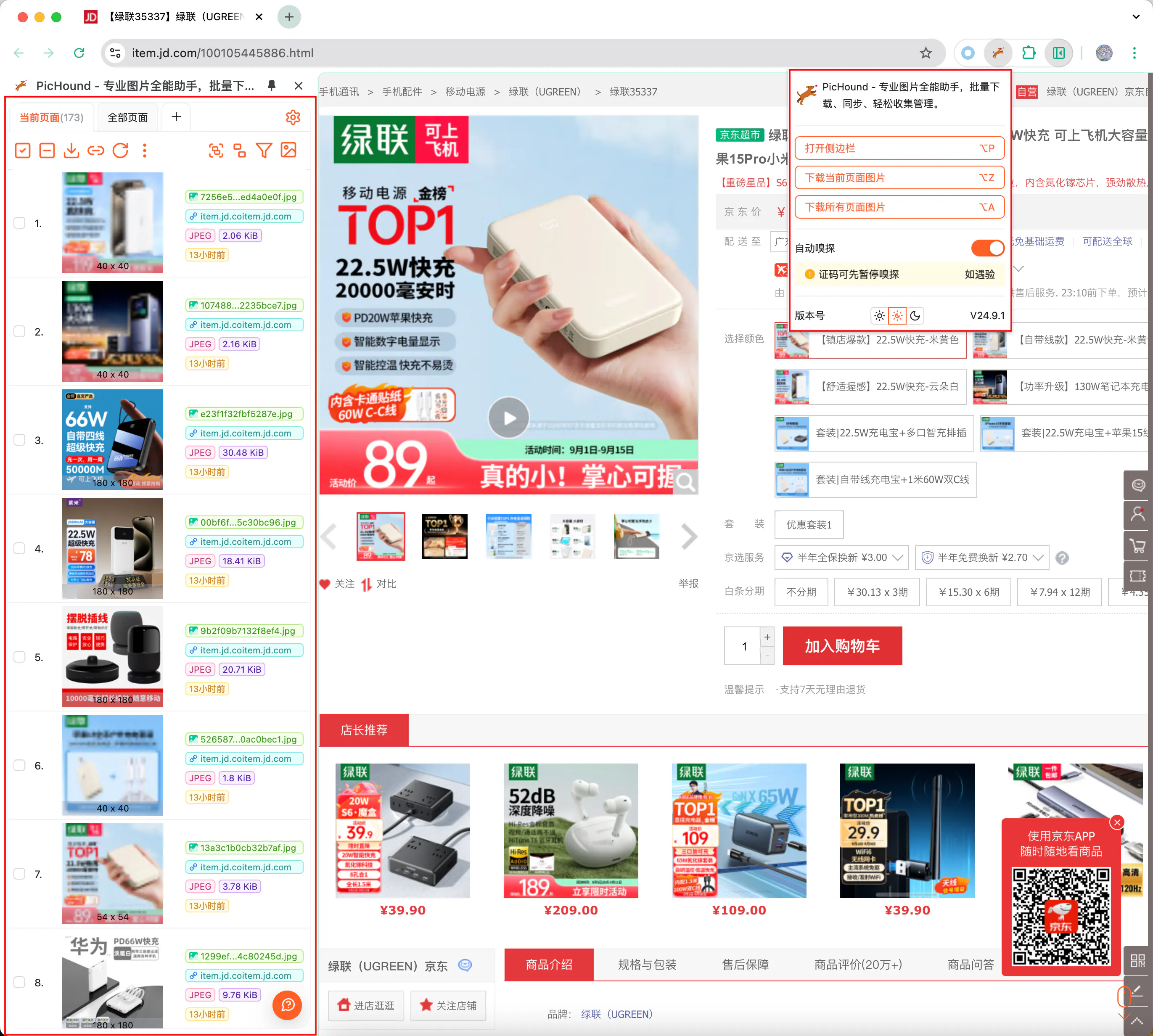
Open Sidebar
👉Extension Test URLs
Disclaimer: The following URLs are for testing and learning purposes only. If any of your rights are infringed, please contact us in time, and we will delete them immediately.
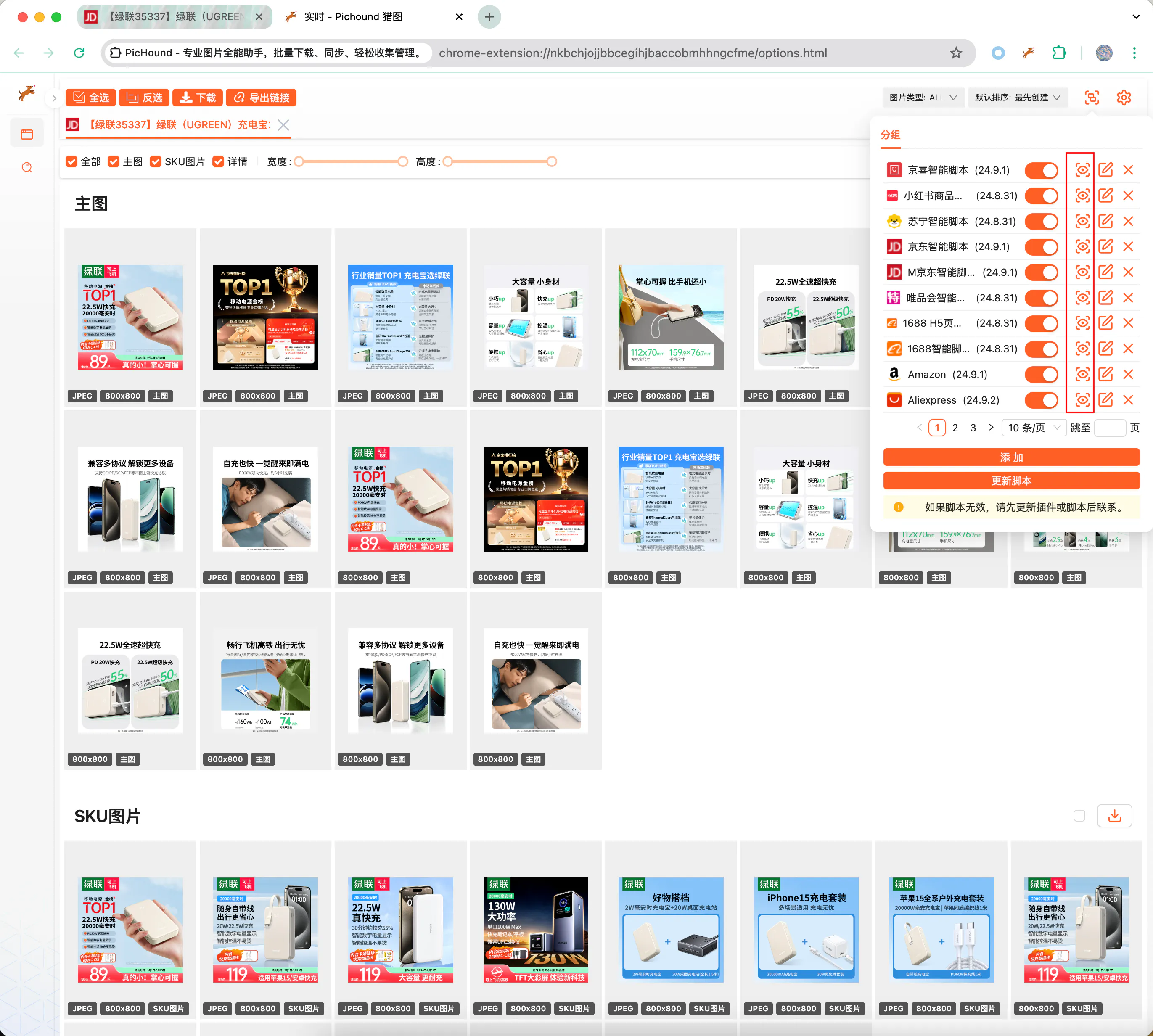
Open the sidebar or download page and find the script list
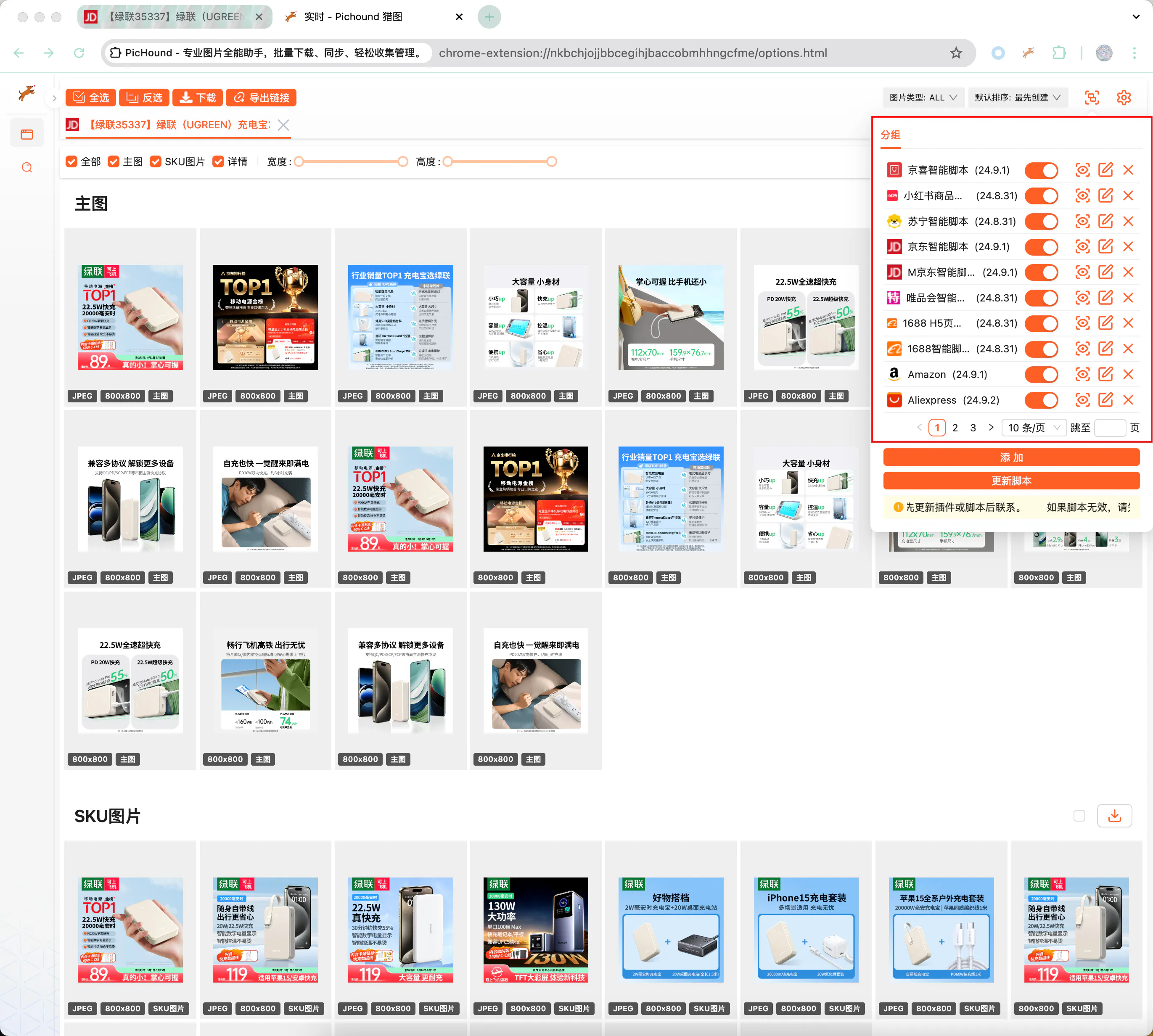
Select Preview Icon
⚙️Common Features
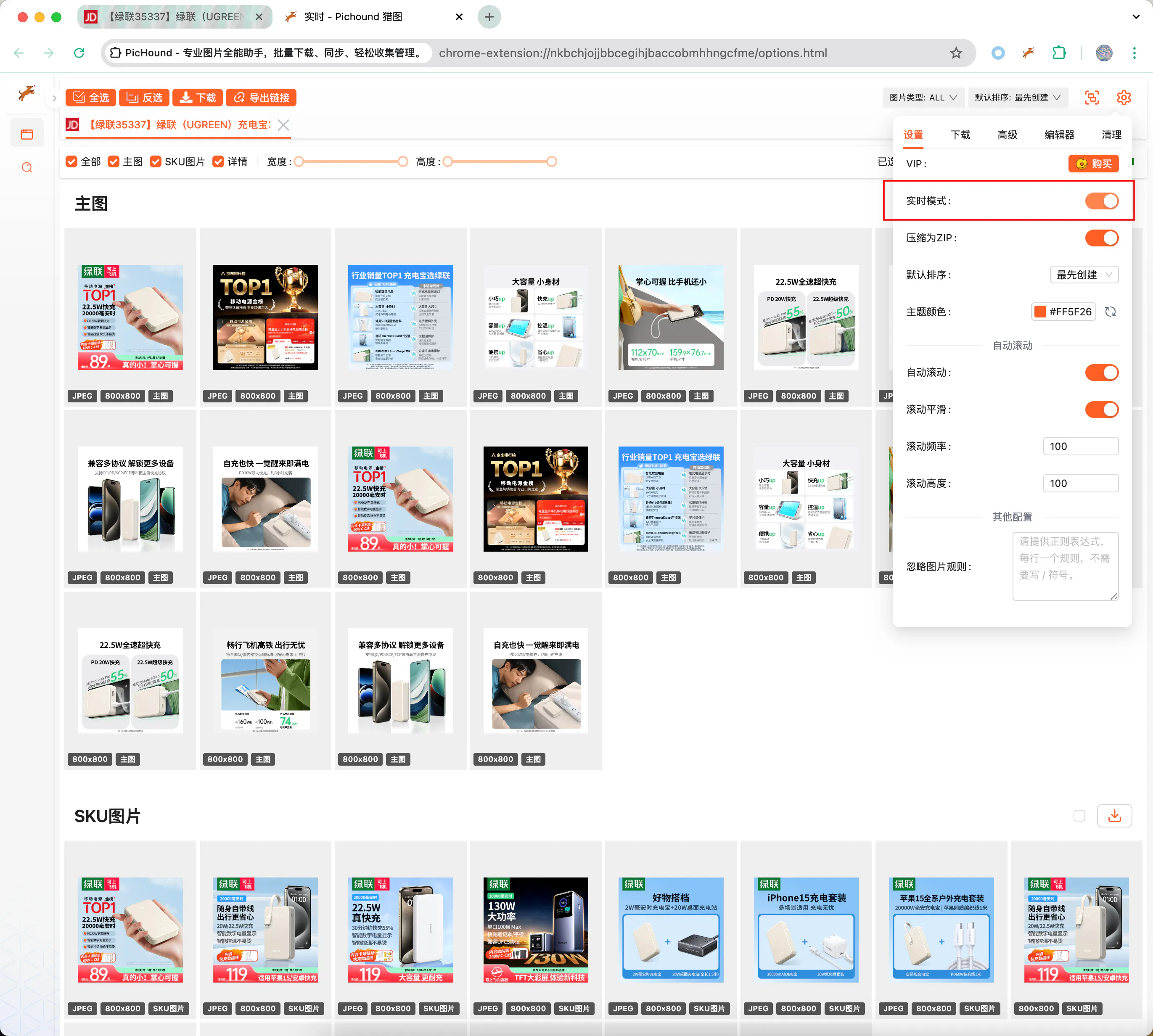
1️⃣Real-time Mode
By default, the extension automatically sniffs web page image resources and pushes them to the download list. Turn off this switch to temporarily stop the push function.
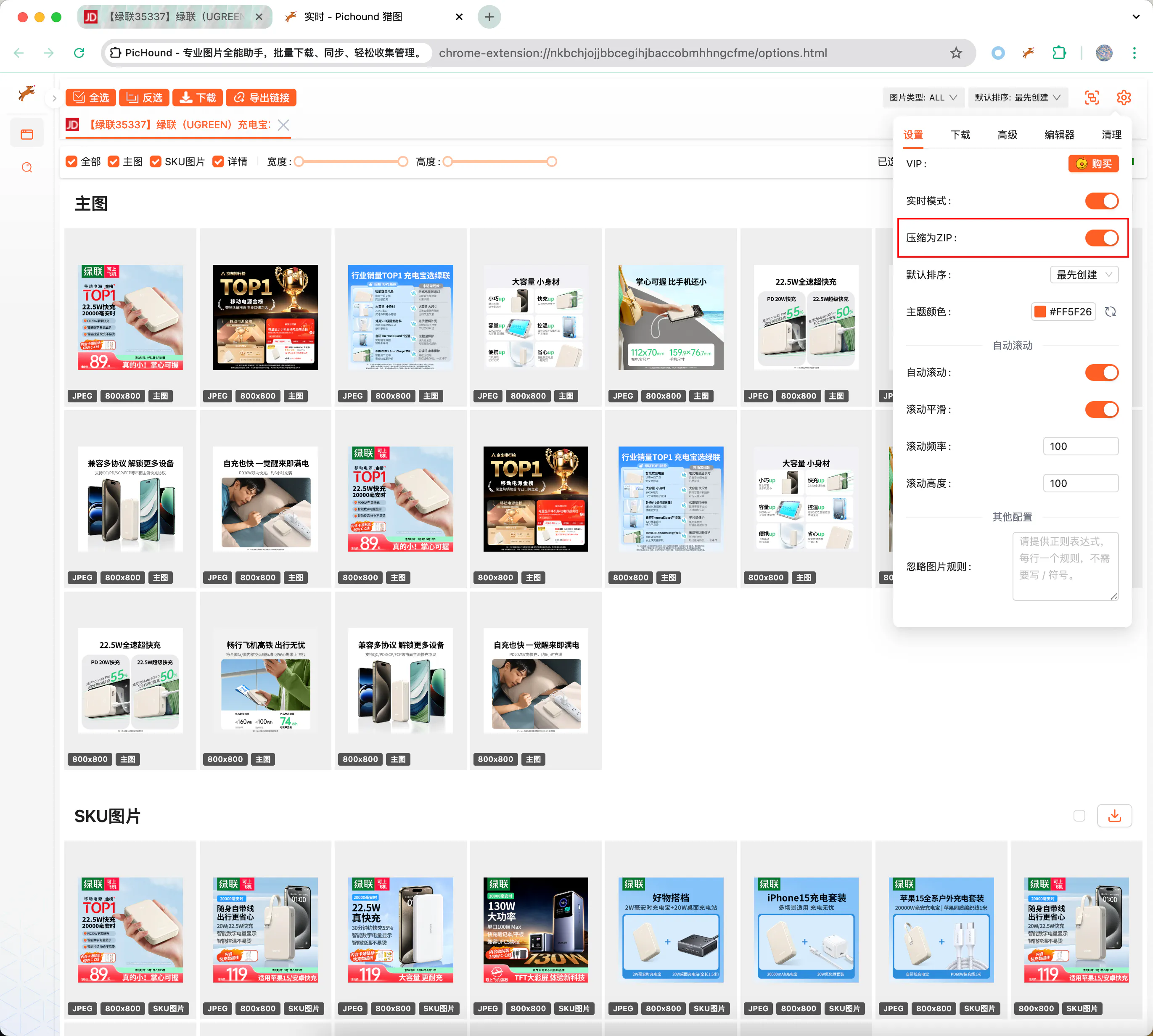
2️⃣Compress to Zip
By default, the extension will compress selected images into a zip file and download them locally. Turn off this switch, and images will be downloaded one by one.
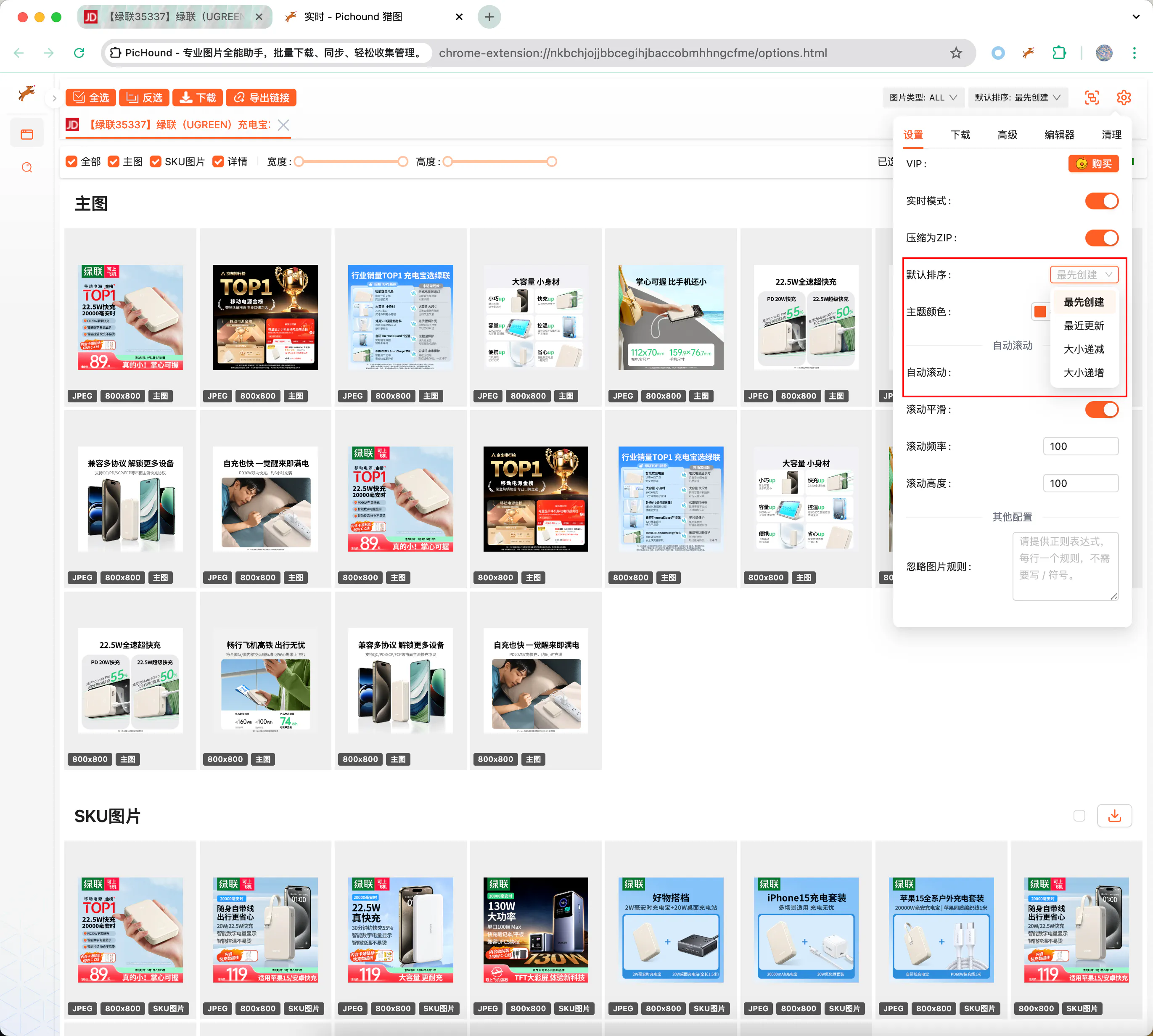
3️⃣Smart Sorting
The extension supports multiple image sorting methods, allowing flexible switching according to your specific needs.
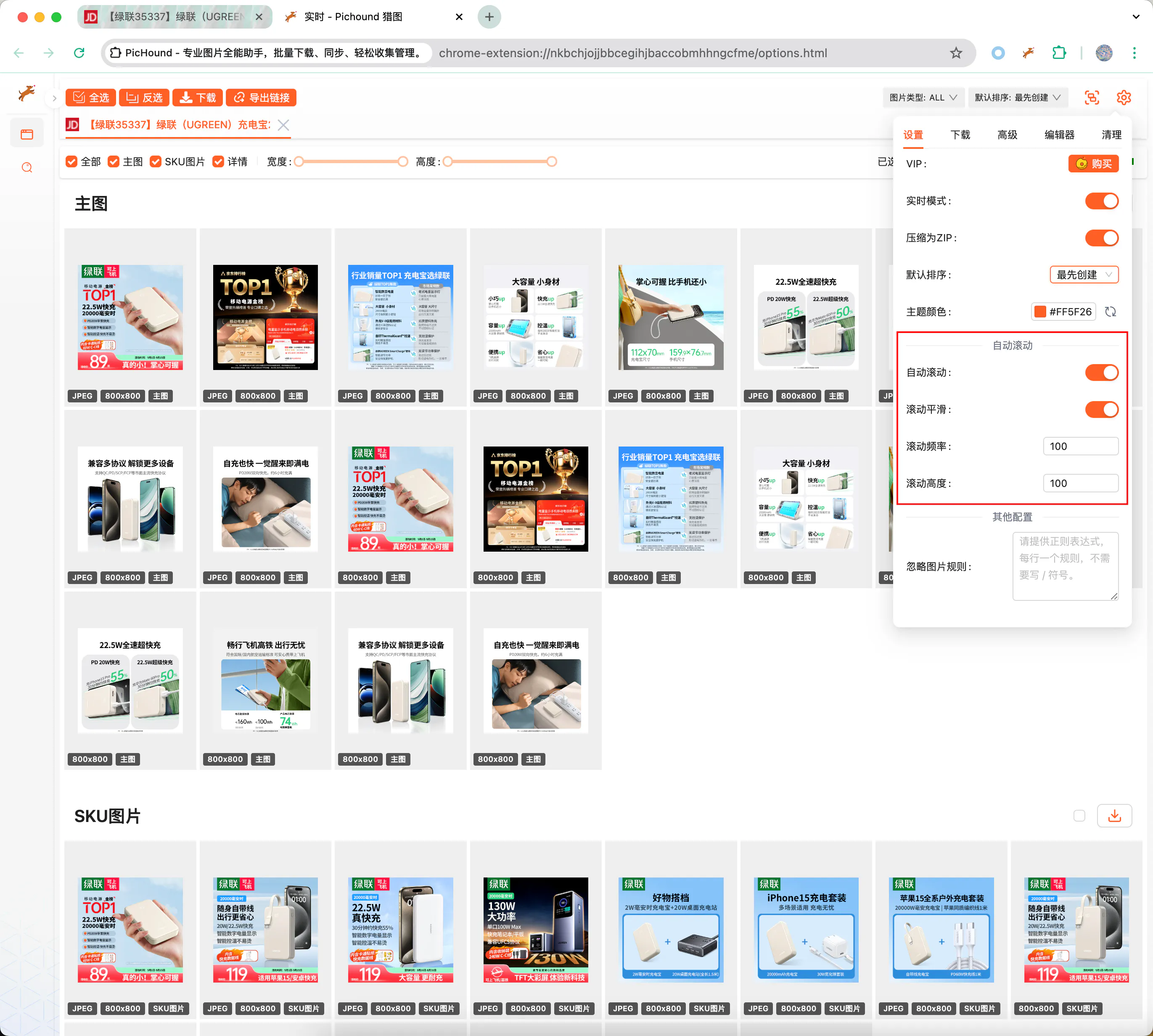
4️⃣Auto Page Scrolling
The extension supports automatic page scrolling. Some images are lazy-loaded by websites, only triggering loading when scrolled to the corresponding area, and this extension can handle this situation well.
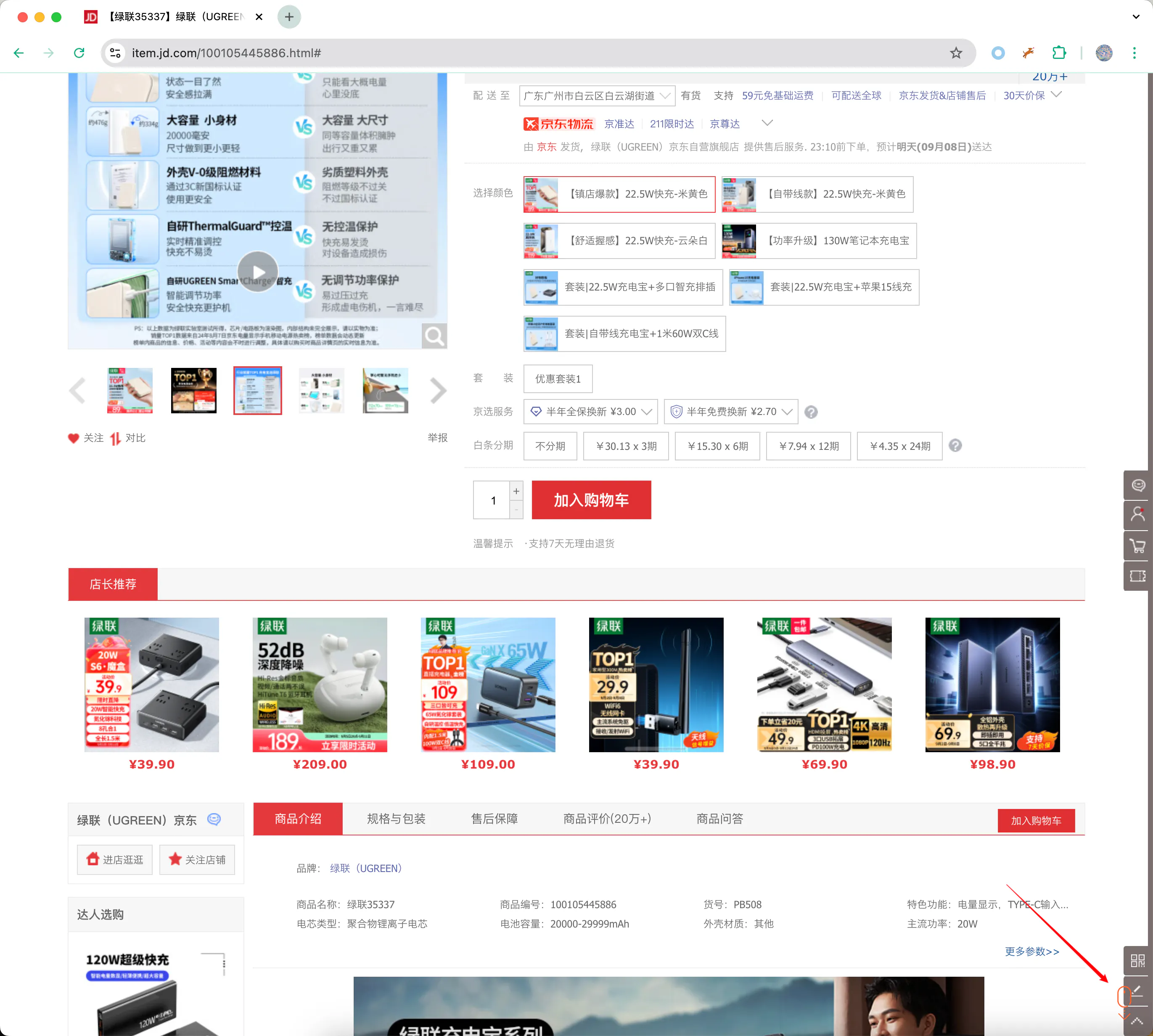
5️⃣Custom Download Filename
The extension supports custom download filenames for images, which can include sequence numbers, file extensions, original filenames, webpage titles, timestamps, groups, and other markers as filenames, meeting the personalized needs of different users.
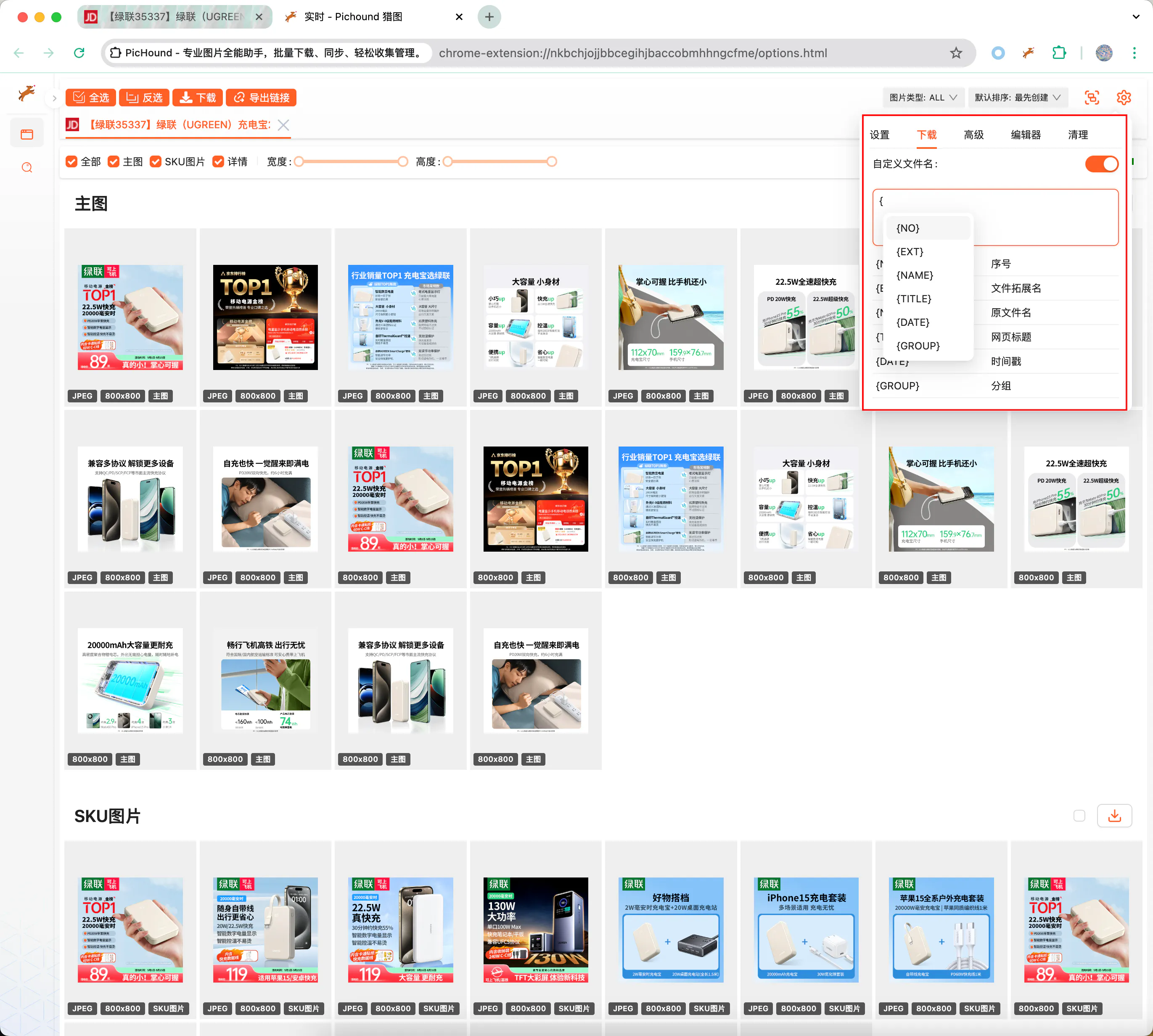
6️⃣Format Conversion & Dominant Color Extraction
The extension supports online image format conversion, which can be converted to common image formats such as JPEG, PNG, GIF, WEBP, BMP, SVG, AVIF, etc. If you don’t find the format you need, please contact the author to add it.
Format Conversion
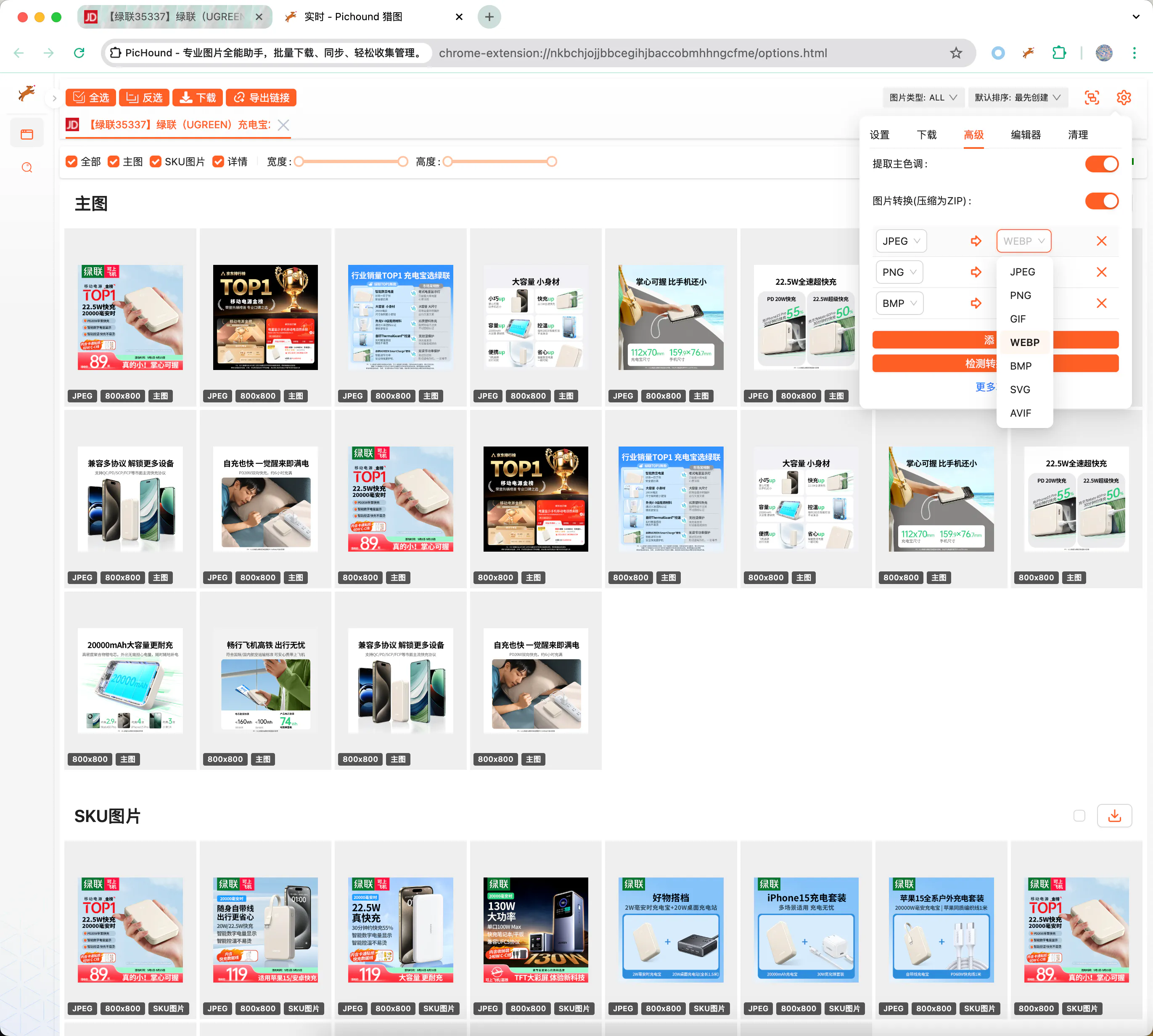
Dominant Color Extraction (only visible in sidebar)
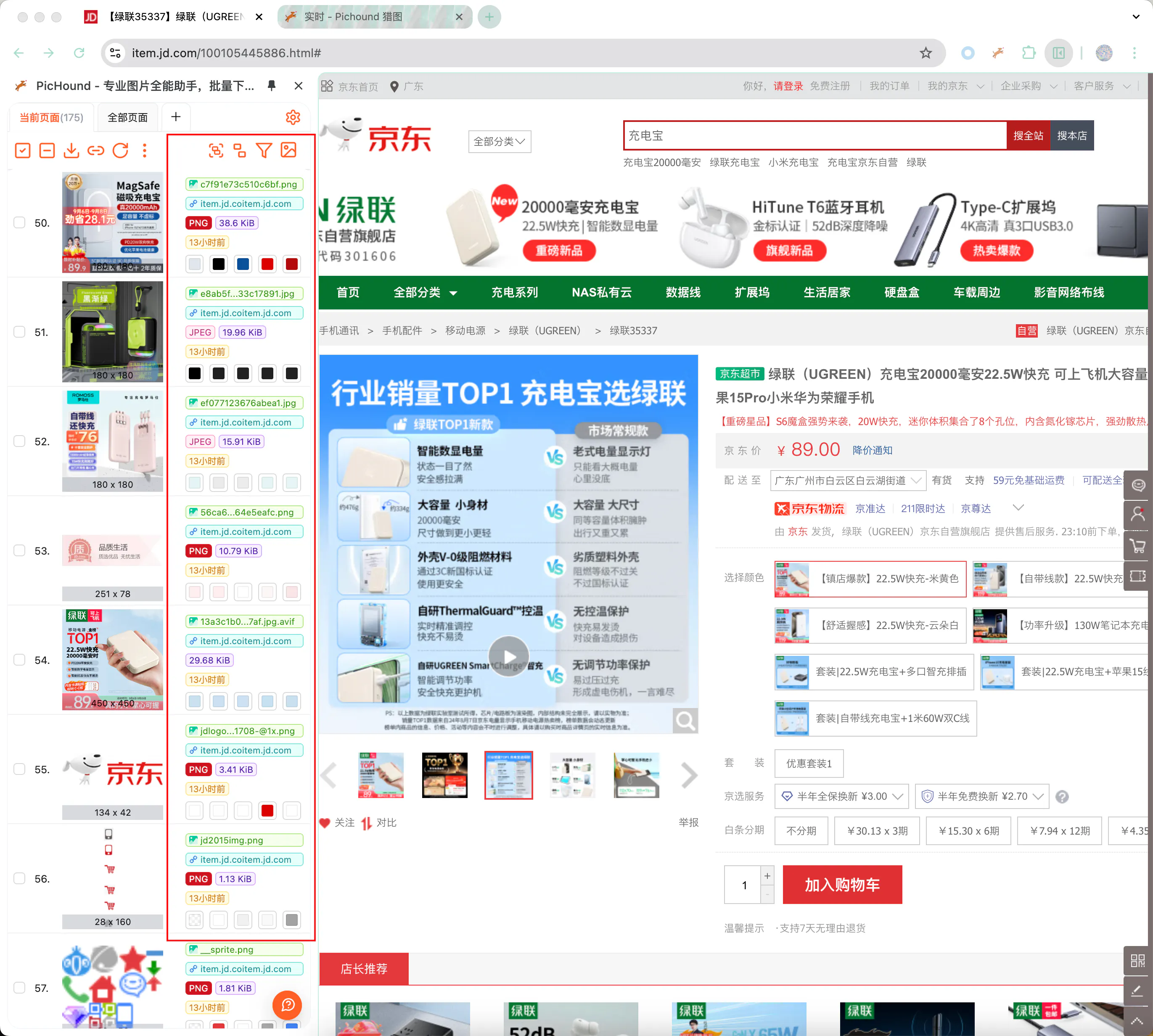
7️⃣Built-in Extension Modules
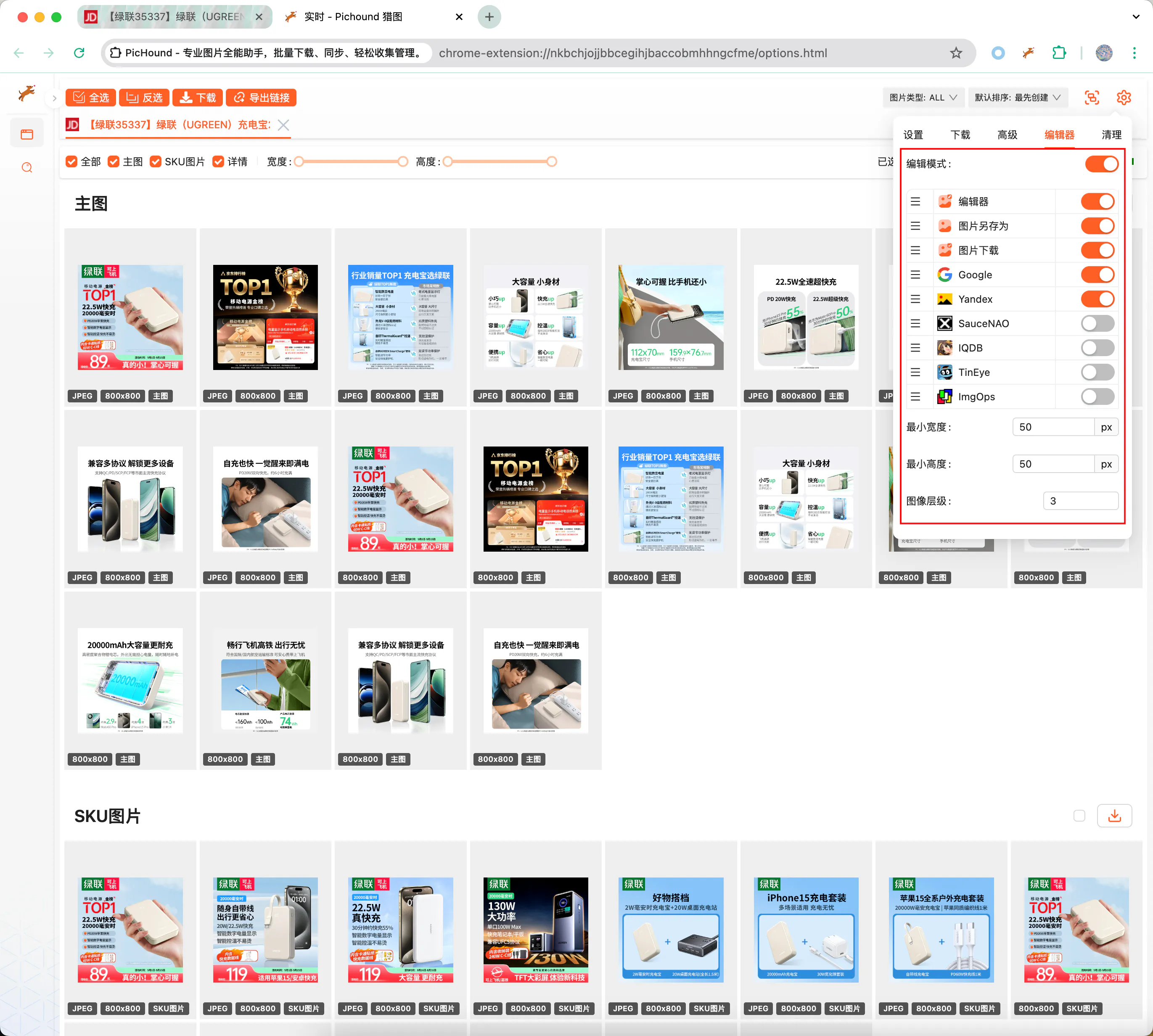
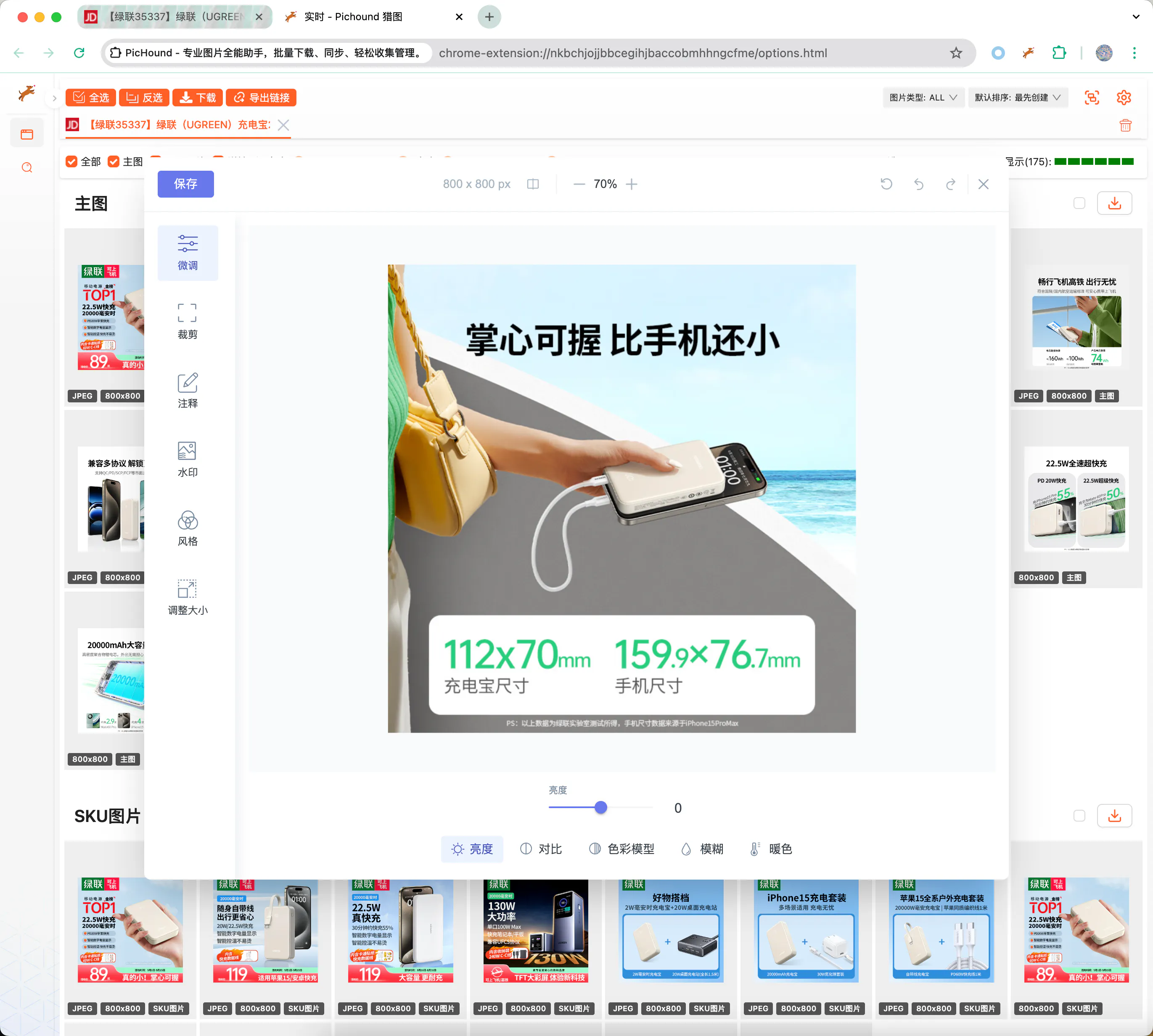
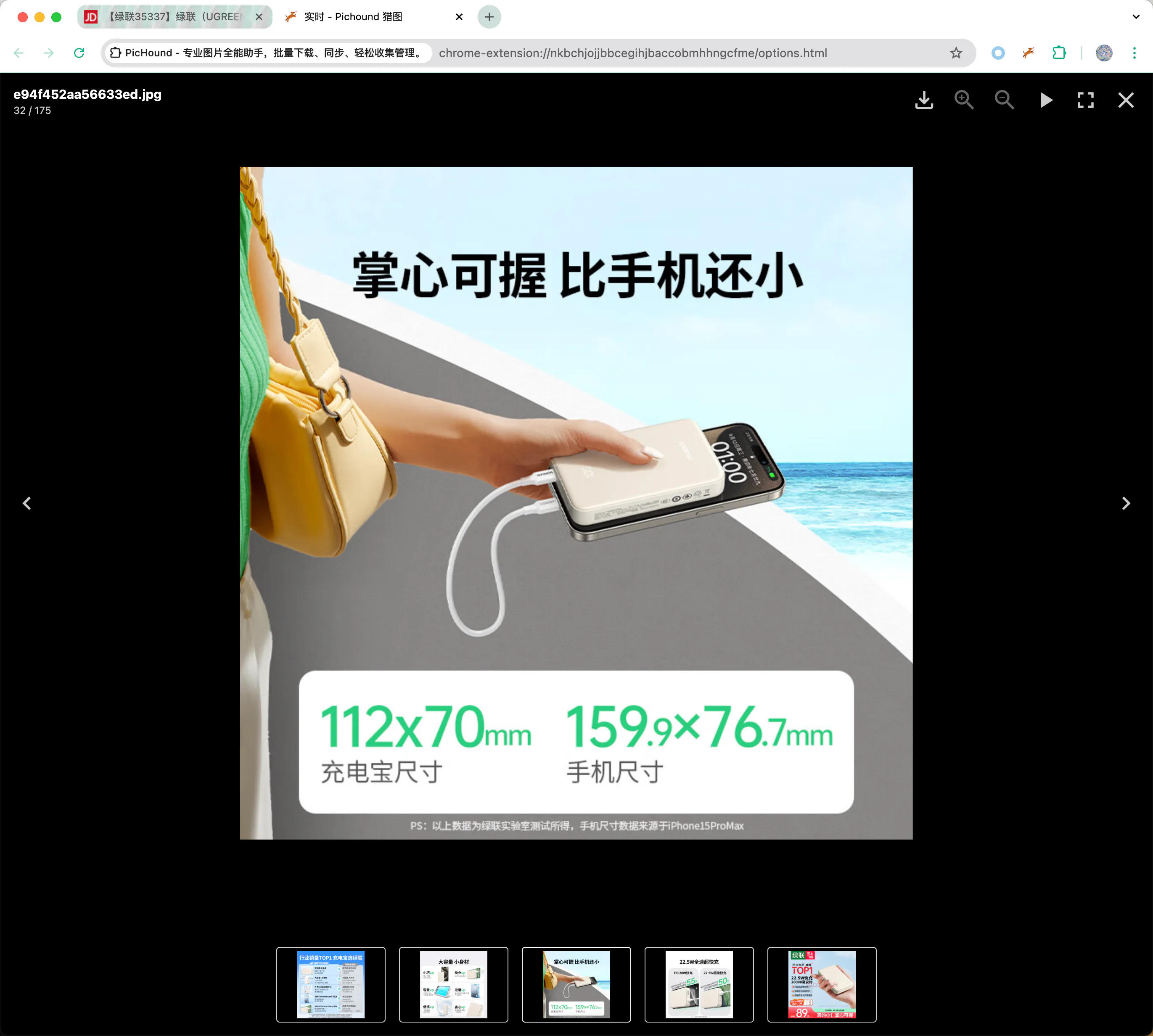
The extension supports multiple extension features, including reverse image search, image editor, etc. Custom extension modules will be supported in the future. When hovering over an image, you can select the corresponding function for processing.
8️⃣Reset & Initialize
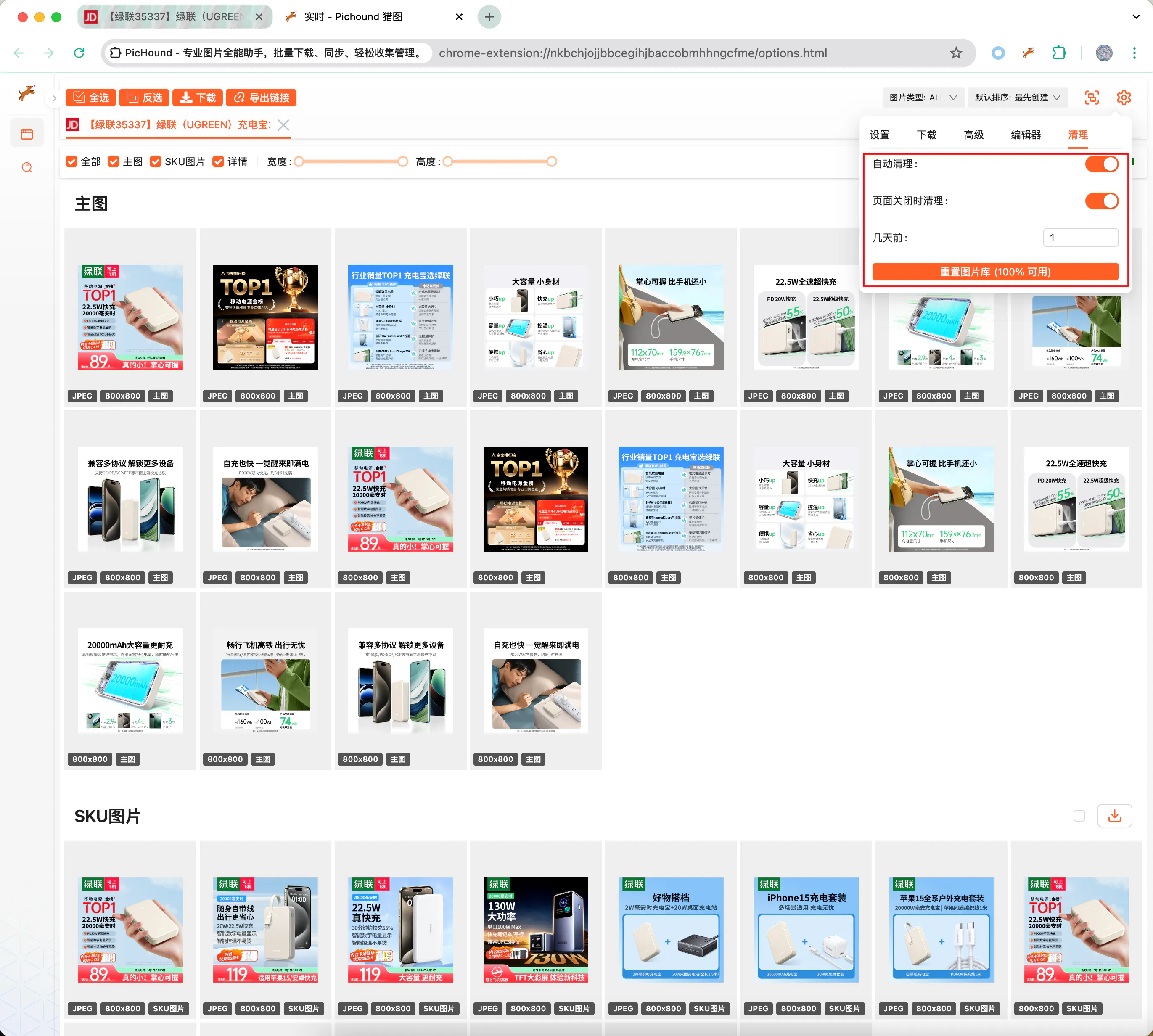
The extension may encounter some unpredictable problems. When the problem has not been resolved, you can restore the extension’s functionality by resetting data, without worrying about initializing preference settings.
😎Feature Suggestions
If existing features cannot meet your needs, you can contact the author to make suggestions or request modifications. Please rest assured, you are absolutely welcome.